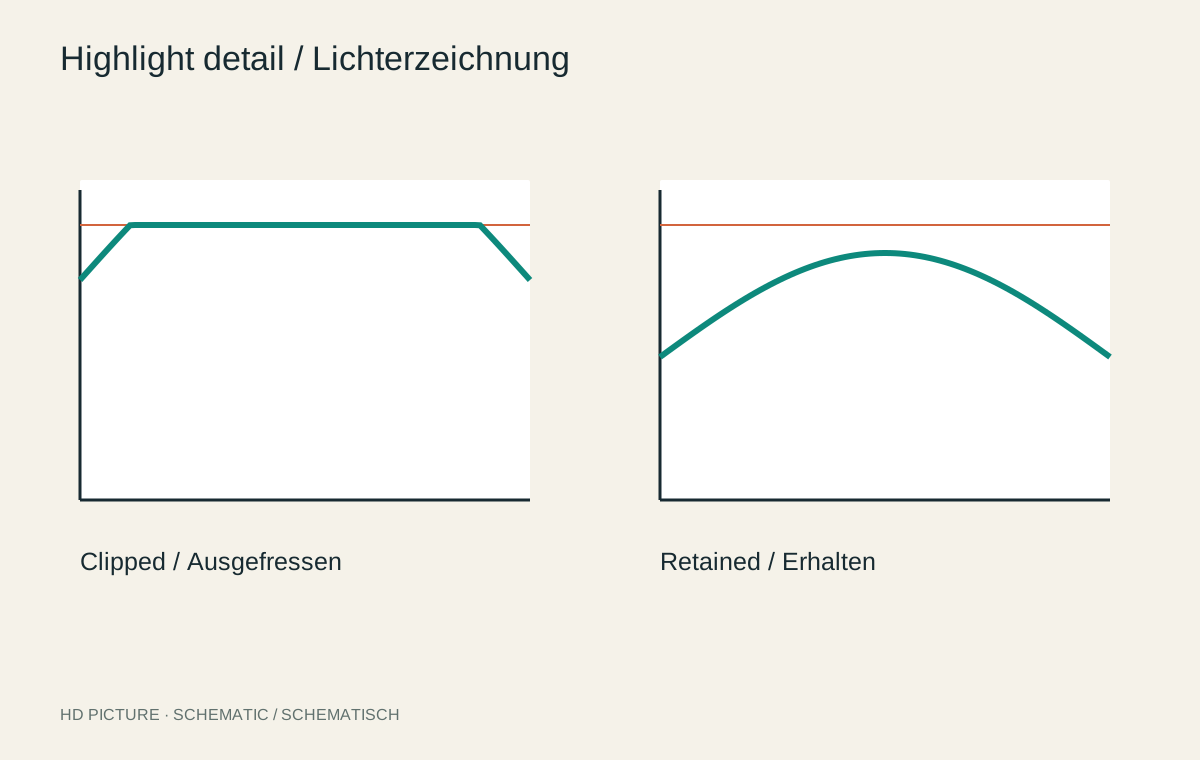
A white cloud may contain subtle differences or consist only of uniformly clipped values. Both can look similar in a small preview. During editing, distinguish a rendering that is too bright from information already lost at capture. Turning a white patch into a grey patch does not by itself constitute successful recovery.
Inspect the important bright areas
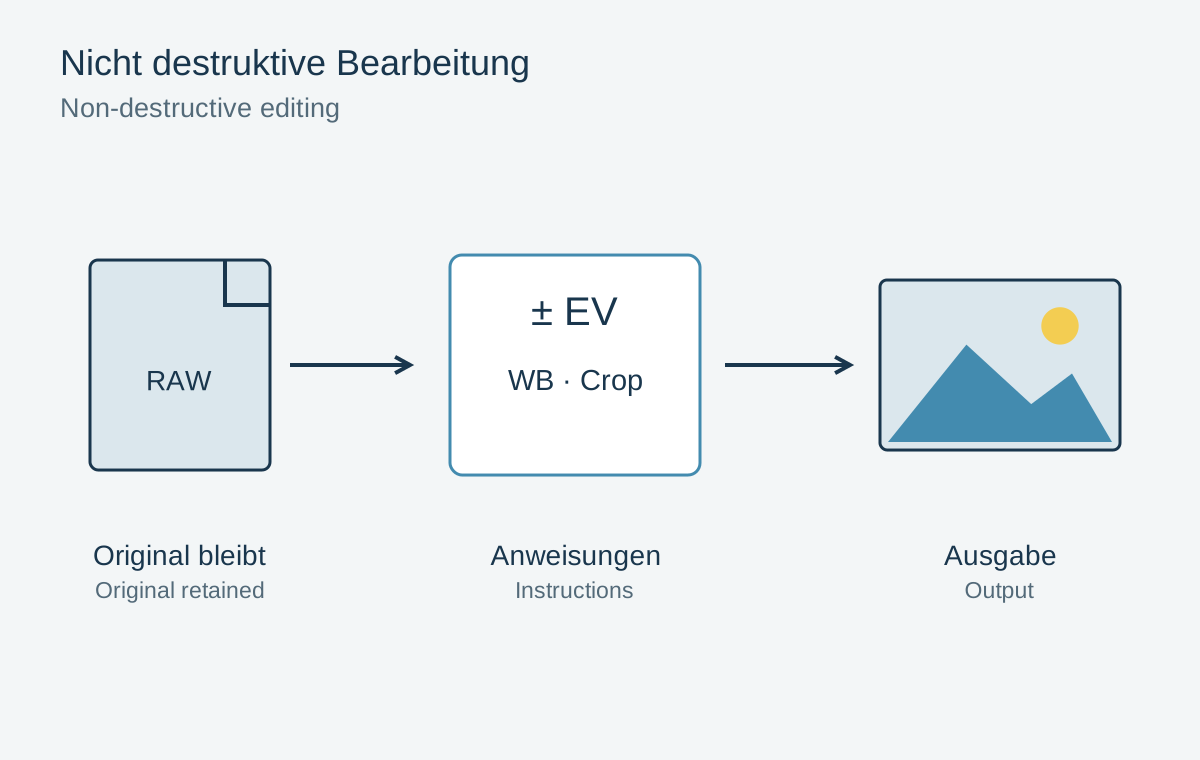
Open the RAW file where available and enlarge the bright area. Temporarily reduce exposure. If fabric texture or cloud edges appear, the file still contains useful information. If the patch remains uniform and only changes brightness, nothing recoverable may remain there.
A clipping warning identifies problematic values in the current rendering; it does not automatically describe the irreversible state of every sensor signal. A strong profile or contrast adjustment can also push the preview beyond its limit. Compare a restrained rendering before rejecting the capture.
Limit the intervention
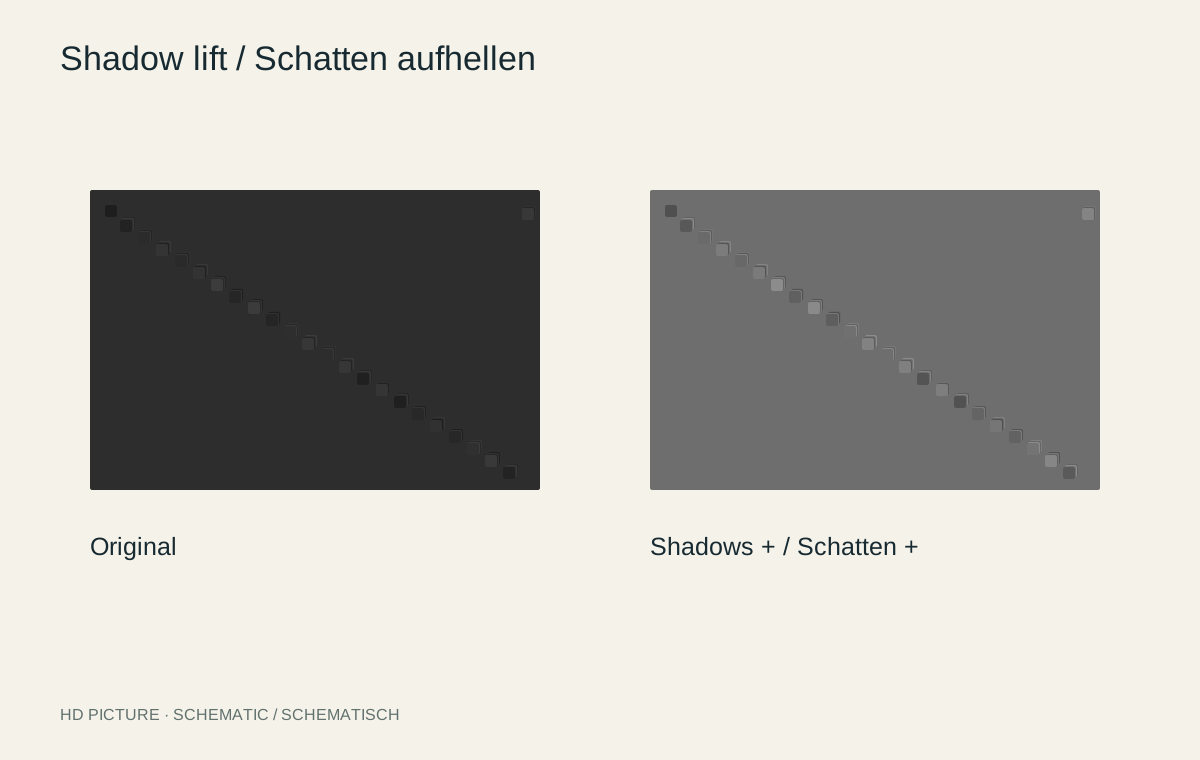
Set a suitable overall brightness, then lower highlights gently. Make sure bright surfaces still look bright. A cloud that suddenly becomes darker than a sunlit wall can make the lighting implausible. Do not judge the adjustment solely by how much texture it reveals.
For a small bright window, a local correction may work better than heavily changing every highlight. Check window frames and branches against the sky for bright or dark fringes. Later sharpening can make these transition problems even more visible.
Not every white point needs detail
A chrome reflection, visible lamp or sparkle on water may appropriately be pure white. A clipped face or textureless white dress usually matters more. Decide according to the subject rather than trying to eliminate every warning marker.
When texture is genuinely absent, artificially generated detail is not a reliable record of the original. For a documentary photograph, an honest bright area is preferable to invented lettering or fabric patterns. In a future capture, protect the important highlights or consider a suitable exposure bracket for a stationary scene.