A slightly tilted sea can make a calm landscape feel unsettled. Straightening seems simple: rotate the picture and finish. In other scenes, however, not every long edge is truly horizontal. A road climbs, a shoreline recedes diagonally and a building is viewed from one side. A useful correction begins with choosing the right reference.
Assess the line in the scene
A distant sea horizon is usually a useful reference. A nearby waterline around a lake need not run horizontally through the image. In architecture, a vertical column near the centre can help identify camera roll. Converging side edges caused by pointing upward are a different issue.
Draw the straightening tool along the chosen reference or rotate in small increments. Then inspect the whole picture, not just that edge. Automatic suggestions may follow a sloping roofline. Do not accept them without checking.
What rotation removes at the edges
Rotating within a rectangular frame initially creates empty corners. Cropping removes those areas but also removes real image content. Pay particular attention to heads, treetops and signs near the edges. A slight tilt may be less distracting than cutting off something important.
When you can still take the photograph, leave some extra room around the subject. That makes later corrections easier. With existing files, do not confuse artificially extended edges with originally photographed information. For a factual record, accepting a small border or another crop is often preferable.
Check the final view
Hide the guides and view the picture both small and large. A perfectly horizontal background can still feel tilted because of a dominant diagonal foreground. Decide whether you need geometric accuracy or a particular visual impression rather than unconsciously switching between them.
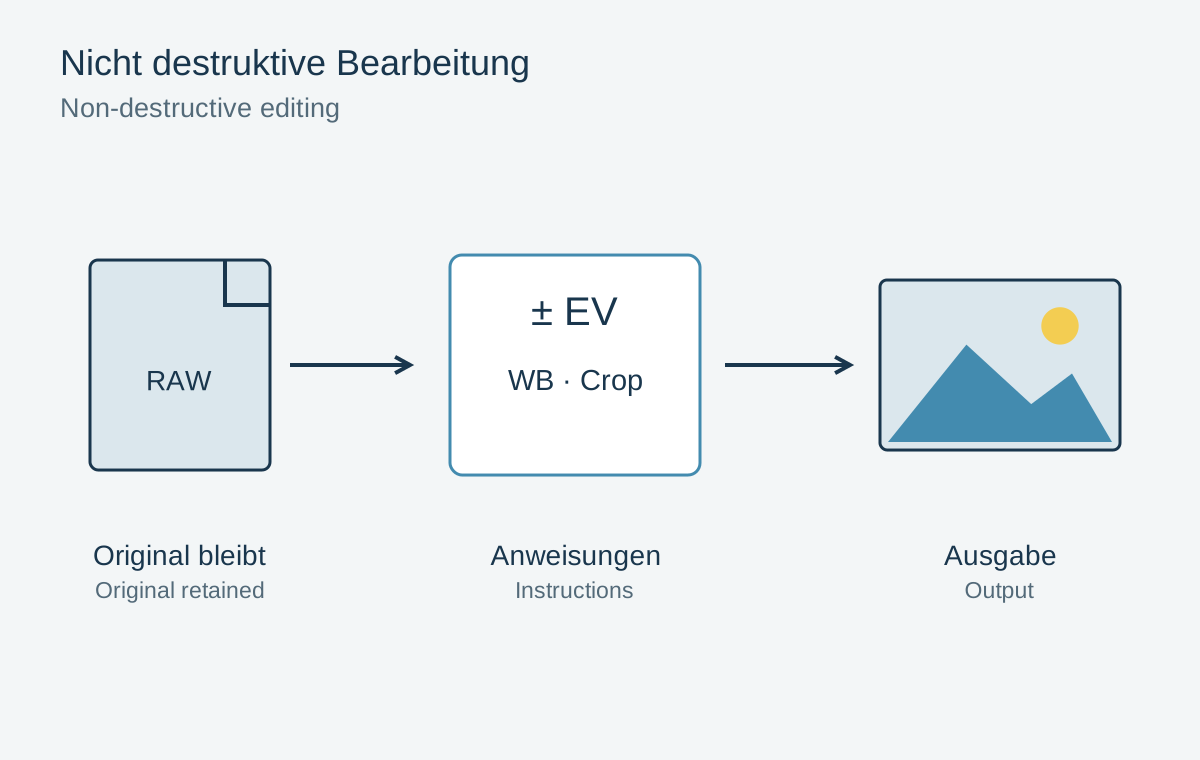
Keep rotation as an editable setting and export the required size afterwards. Repeatedly rotating and saving a JPEG can introduce unnecessary resampling. One clean export from the editable version is easier to retrace and leaves future alternatives available.