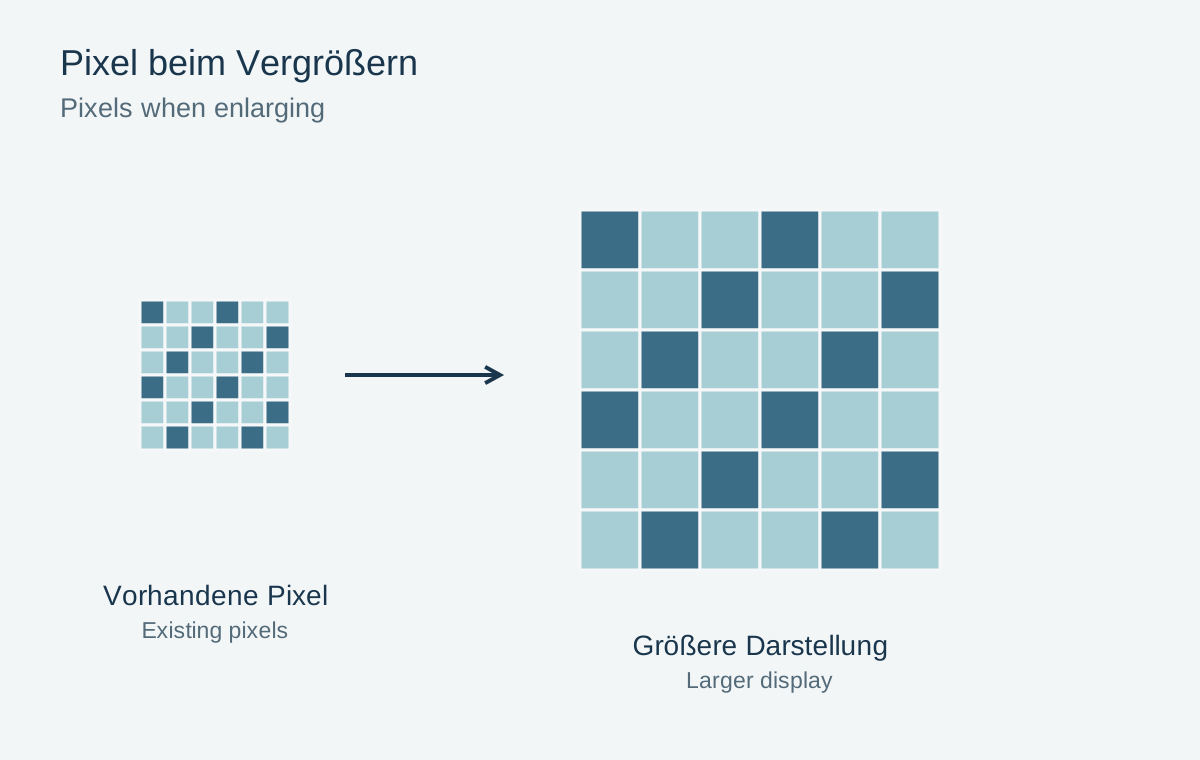
Upscaling calculates additional pixels from existing image information. The file becomes larger without the camera having recorded more after the fact. Some methods smooth edges, while others estimate more complex structures. This can help a wall print, but does not provide reliable evidence for reconstructing unknown lettering or faces.
Calculate the actual requirement
First establish output size and remaining pixel dimensions after cropping. A 1500-pixel-wide photograph printed 15 cm wide provides approximately 254 ppi. A small print may need no substantial enlargement at all. At 60 cm wide, the same file provides roughly 64 ppi, making viewing distance and subject texture much more important.
File size in megabytes does not answer this question. A heavily compressed file may contain many pixels, while a losslessly stored small graphic may occupy considerable space. Check actual dimensions and the quality of the existing capture.
Avoid magnifying source defects
Start with the best available original. A messaging preview with blocking contains less useful information than the camera capture. Correct basic colour and brightness, but avoid excessive sharpening or denoising before enlargement. Already artificial contours can become especially conspicuous after further processing.
Keep an unchanged comparison version. Some functions double both sides, producing four times as many pixels. That does not mean four times as much genuine subject information. Judge specific structures rather than the new megapixel total.
Compare details that carry meaning
Inspect eyes, teeth, lettering, grids and fabric patterns. An algorithm can create plausible-looking but incorrect details. In an old family photograph, a face should not acquire different features merely because the new version appears sharper. In documents, an invented digit is especially problematic.
Also compare at the intended output size. An improvement visible only under extreme magnification may be irrelevant in the actual print. Conversely, repeated artificial textures across a large area can distract even from normal viewing distance.
Use a small proof before a large order
Print a section at final scale and view it from the intended distance. If useful, compare straightforward resizing with a more elaborate version. Choose the more believable result, not automatically the smoothest or apparently most detailed.
If neither works well, reduce the output size, allow a wider border or choose another photograph. An honest limitation of the source is not an editing failure. Save the enlarged version separately and label it so it is not later mistaken for the camera’s original resolution.