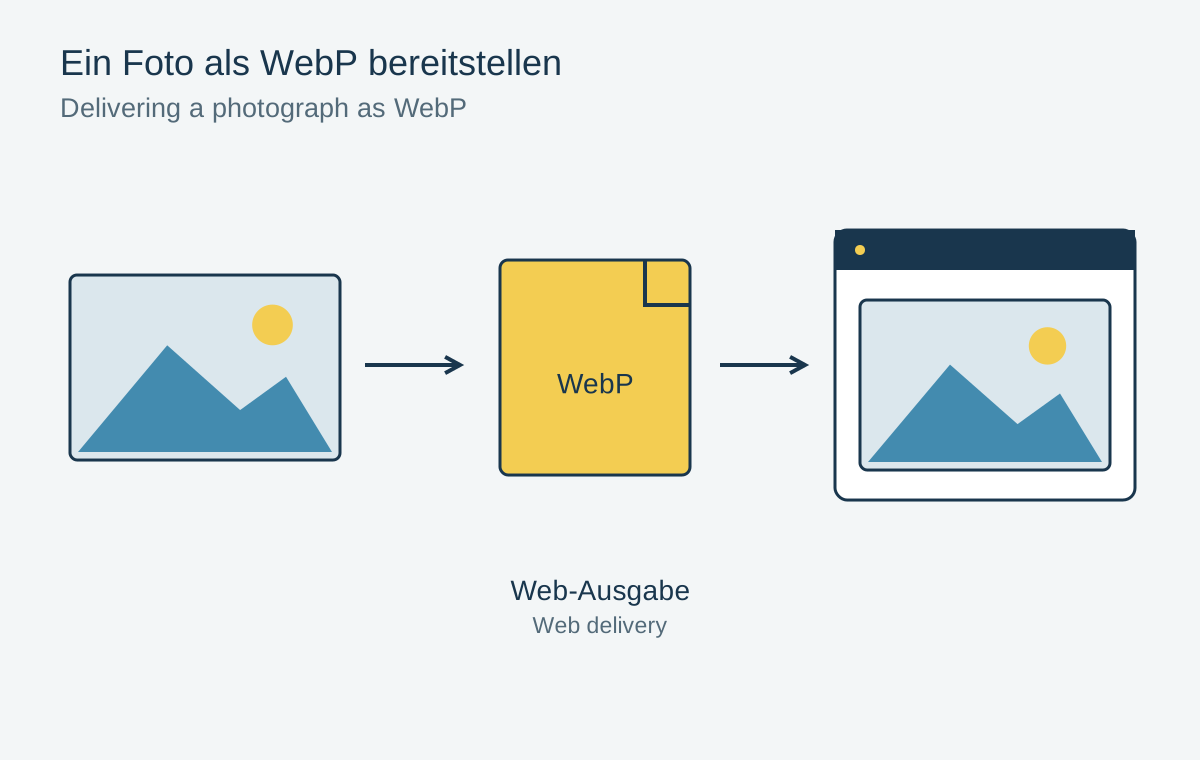
For a website, image quality matters alongside the amount of data a browser must download. WebP offers lossy and lossless storage as well as transparency. Whether it is the best choice for a particular image requires comparison at equal dimensions and similar visible quality. A modern format name alone guarantees neither a smaller nor a better file.
Begin with a suitable source
Generate WebP from the high-quality edited source where possible. Converting an already heavily compressed JPEG preserves its damage and may intensify it through another lossy encoding. Conversion does not correctly restore missing hair, leaves or lettering.
Determine the required pixel dimensions first. A 6000-pixel-wide image is usually unnecessary for a small card, even with efficient compression. Several variants may suit different screen sizes, so a small phone need not download the same large file as a wide desktop layout.
Compare revealing details
Export WebP and JPEG versions at identical dimensions. Compare file sizes only after both provide adequate visible quality. The same quality number in two export dialogs does not mean the same image quality. Inspect fine hair, textured foliage, smooth gradients and any embedded lettering.
For a transparent subject, check the alpha edge against several background colours. An otherwise clean cut-out can develop bright fringes after unsuitable processing. For graphics with few colours, also compare a lossless version; a photographic recipe does not automatically suit icons or diagrams.
Check the complete delivery path
Test the actual page in the intended browsers and devices. Include thumbnails, download functions and downstream systems. A browser may display WebP while an older print portal or a particular editor cannot accept it. Such recipients may need an additional JPEG or PNG export.
Do not merely change filename extensions in HTML. The file must genuinely use the specified format and every path must be correct. Check the loaded dimensions and a complete page visit with an empty cache. An old locally cached file can otherwise hide an error.
Keep the archive separate from the web copy
Preserve the original and editable version independently of the web export. A small compressed website image is intended for fast delivery, not as the sole source for future large prints. Record output dimensions and settings so later images can be exported consistently.
Evaluate the benefit within the actual project. If another format saves little data or complicates important compatibility, switching is not automatically worthwhile. Appropriate dimensions and a careful export often matter more than the format decision alone.