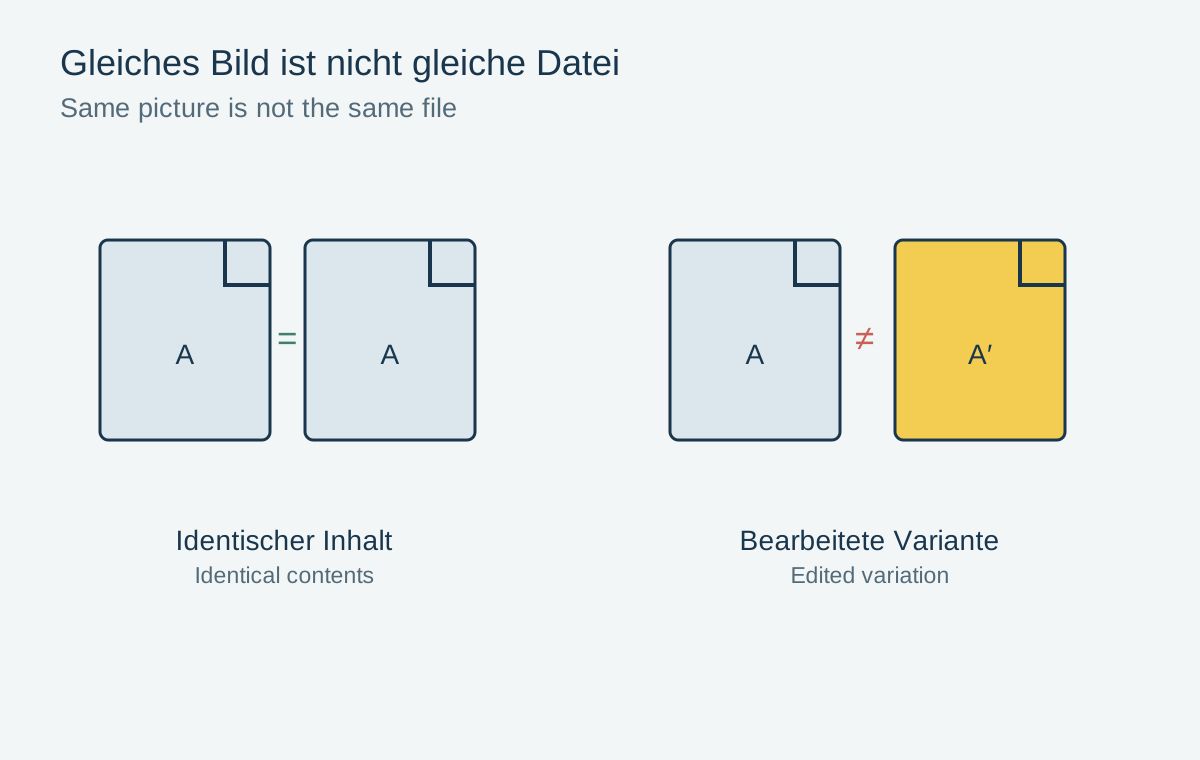
A duplicate search can free storage, but it can also hide differences. Two files may show the same pixels while containing different metadata. A RAW file and its JPEG show the same moment but serve different purposes. Before cleaning an archive, define what actually counts as a duplicate in your collection.
Separate three different cases
A byte-identical duplicate is an unchanged extra copy of the same file. A hash comparison can identify such matches with high reliability. Location still matters: the second file may be an intentional backup and should not be included in an ordinary cleanup of the working library.
Another group shows the same subject at different resolutions, compression levels or editing states. A small email JPEG is not an equivalent replacement for the original. A monochrome export may be an intentional result rather than an accidental copy.
Finally, there are similar captures from a sequence. A slight difference in gaze, focus or hand position can be decisive. These photographs require an editorial choice, not merely a technical file comparison.
Make the basis of the decision visible
Display file type, pixel dimensions, location and capture date. Also compare important descriptions and ratings. If a tool automatically selects a preferred version, check whether its rule fits your intention. The largest file is not necessarily the original, and the newest modification date does not always identify the best edit.
In a managed library, use its supported merge function rather than removing files inside the library package. Apple Photos, for example, provides an area for detected duplicates. Its merge behavior belongs to that application; other programs may handle metadata and removed versions differently.
Start with a few well-understood pairs. Open the retained file afterward and check that the image and description remain correct. A small trial reveals unexpected consequences before they affect thousands of photographs.
Uncertainty is a reason to postpone deletion
If the origin of two files remains unclear, mark them for later review. Temporarily keeping an extra file is often less costly than trying to reconstruct a lost original. Move uncertain candidates only through a method supported by the photo manager.
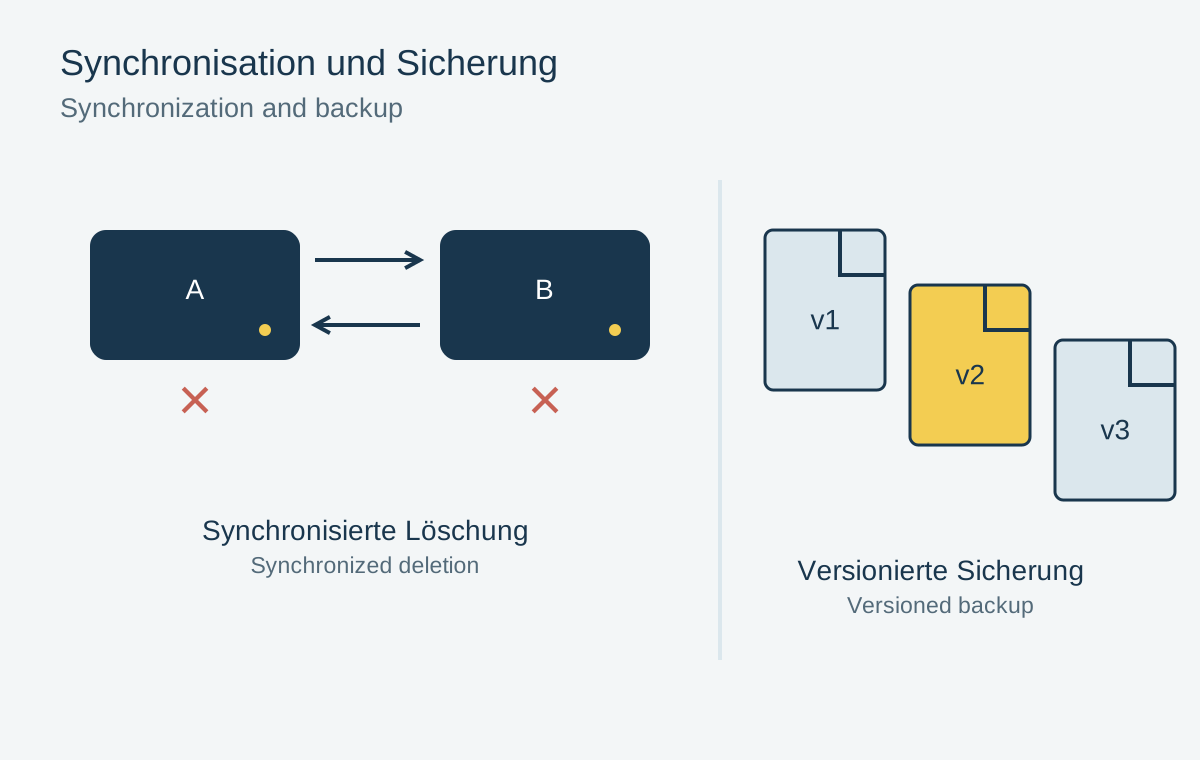
Before a large cleanup, have a separate checked backup available. Consider whether deletions synchronize and when recovery options expire. The success of duplicate removal is not measured only by freed space, but by whether the remaining collection stays complete and understandable.
Information that exists in only one variation
Two pictures can look alike while serving different purposes. A JPEG may show the finished color adjustment, while a RAW retains more flexibility for later development. A TIFF may preserve layers or a different bit depth. Before removing a variation, inspect not just the subject but also its format, dimensions and the properties required by the workflow.
Byte-identical files contain identical image data, but their catalog references may differ. One copy may belong to a collection or carry a rating stored in the catalog rather than in the file. Consolidating files and preserving organizational information are therefore separate tasks. A file comparison outside the photo manager does not automatically understand those relationships.
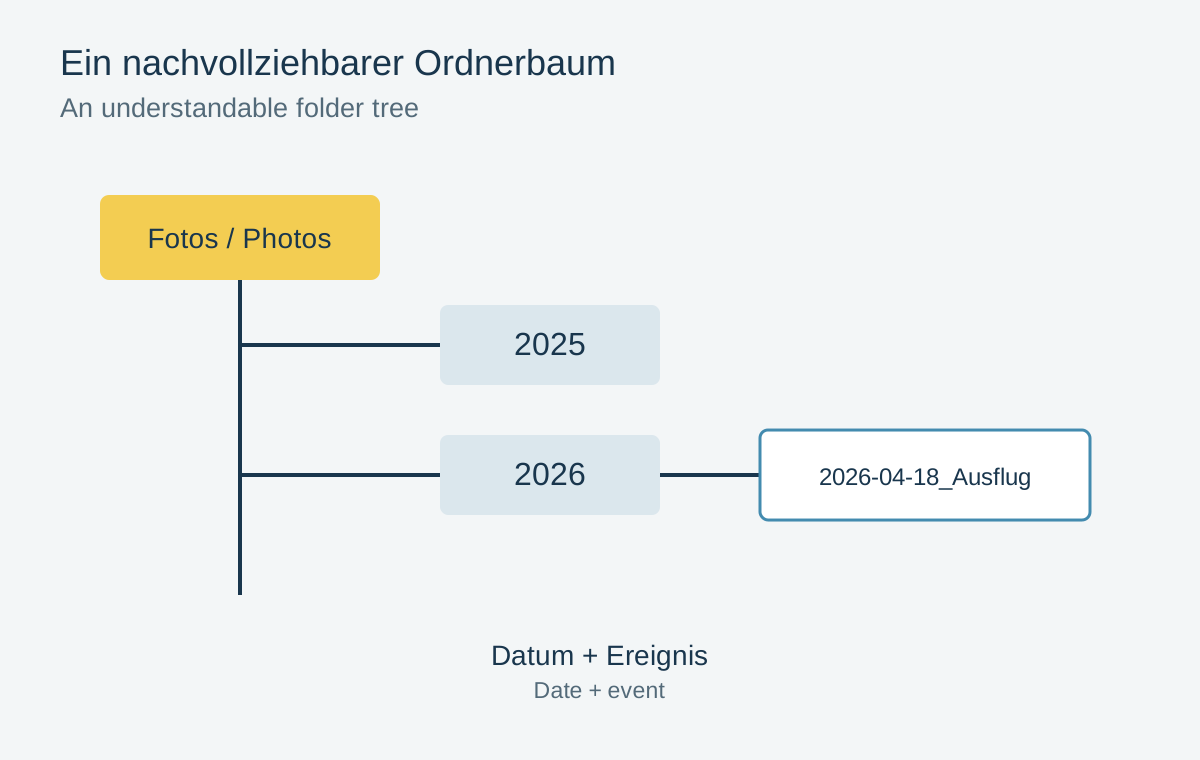
For example, the original may sit in a year folder and another copy in “Photo book”. If they really are identical, the second file may be unnecessary. Before removing it, however, the photo-book application must be able to access the remaining file. Otherwise a broken reference may surface only when the project is opened again.
Start with a small, unimportant test case. Afterwards check both the recovered storage and the affected collections and projects. If the application offers undo or a recycle bin, establish how it works before a larger cleanup. Removing a copy is beneficial only when the remaining files and references still make sense.