Organization & backup
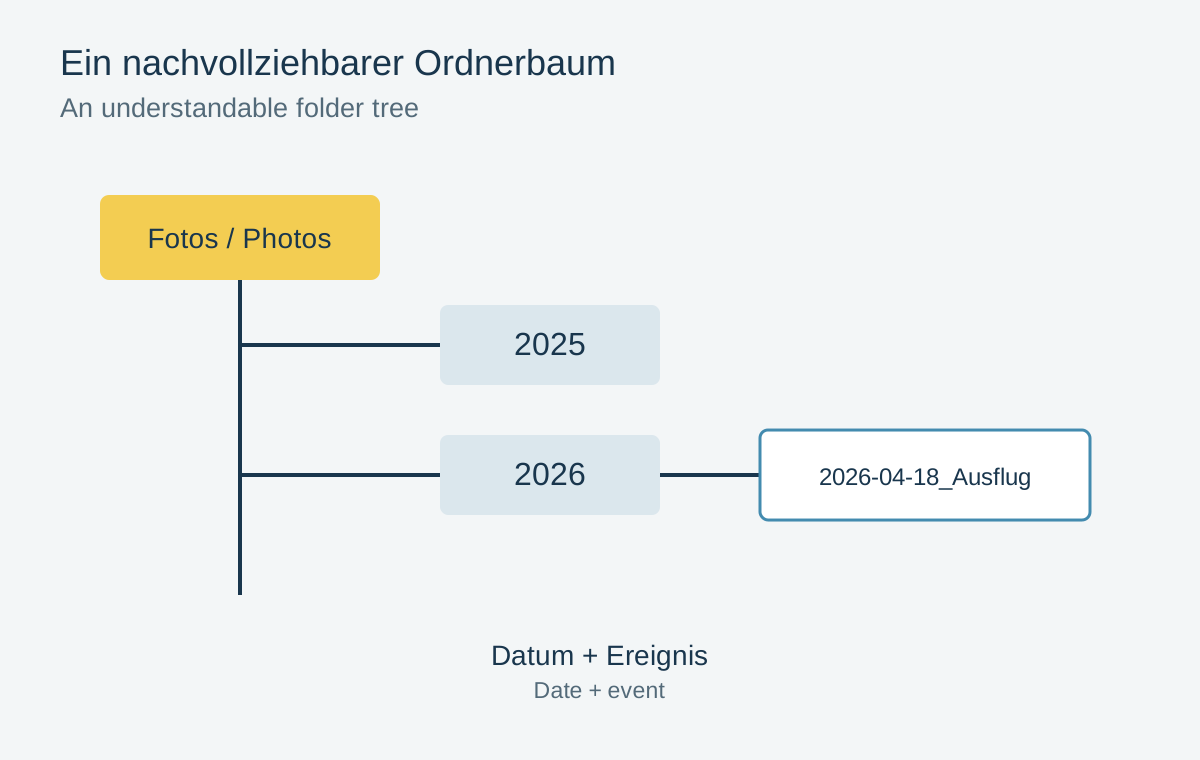
A photo folder structure
A photo folder should remain understandable without your familiar photo app.
16 articles
Find originals, distinguish copies and check that backups can be restored.
Organization & backup
A photo folder should remain understandable without your familiar photo app.
Organization & backup
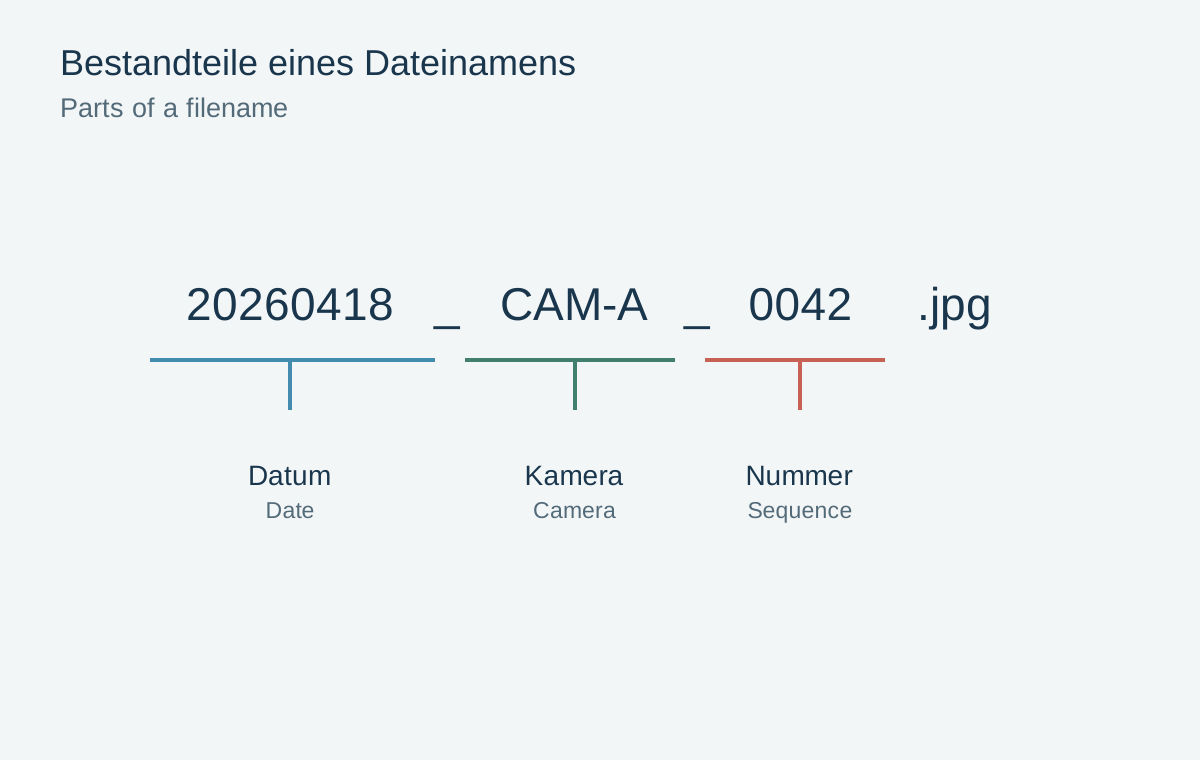
A filename can explain origin and sequence without containing every description of an image.
Organization & backup
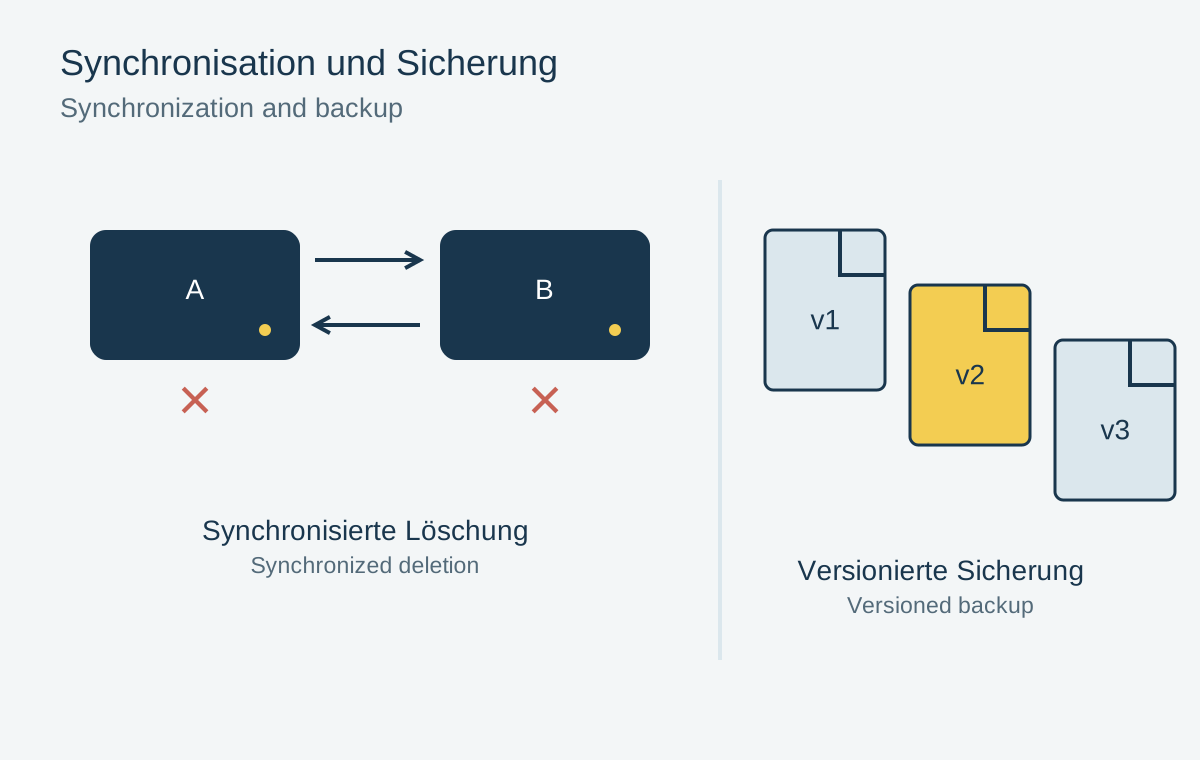
A synchronized collection and a recoverable backup solve different problems.
Organization & backup
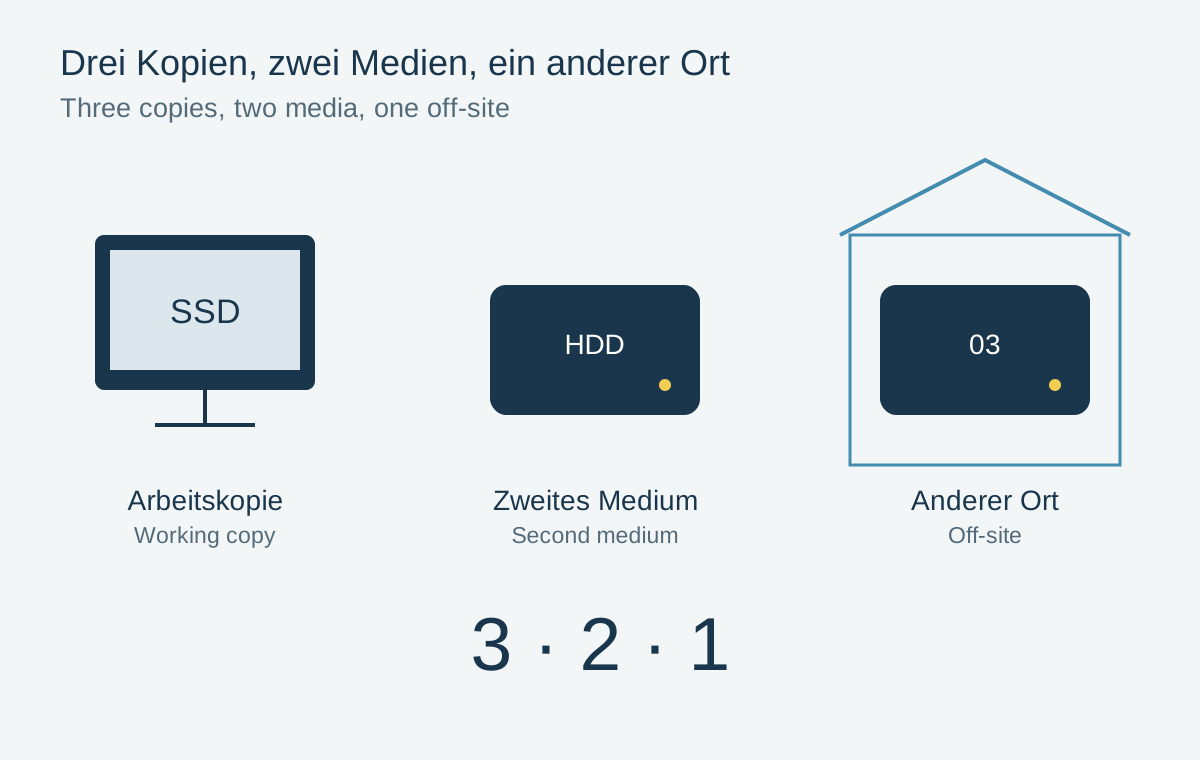
Three copies help only when the same failure cannot reach all three.
Organization & backup
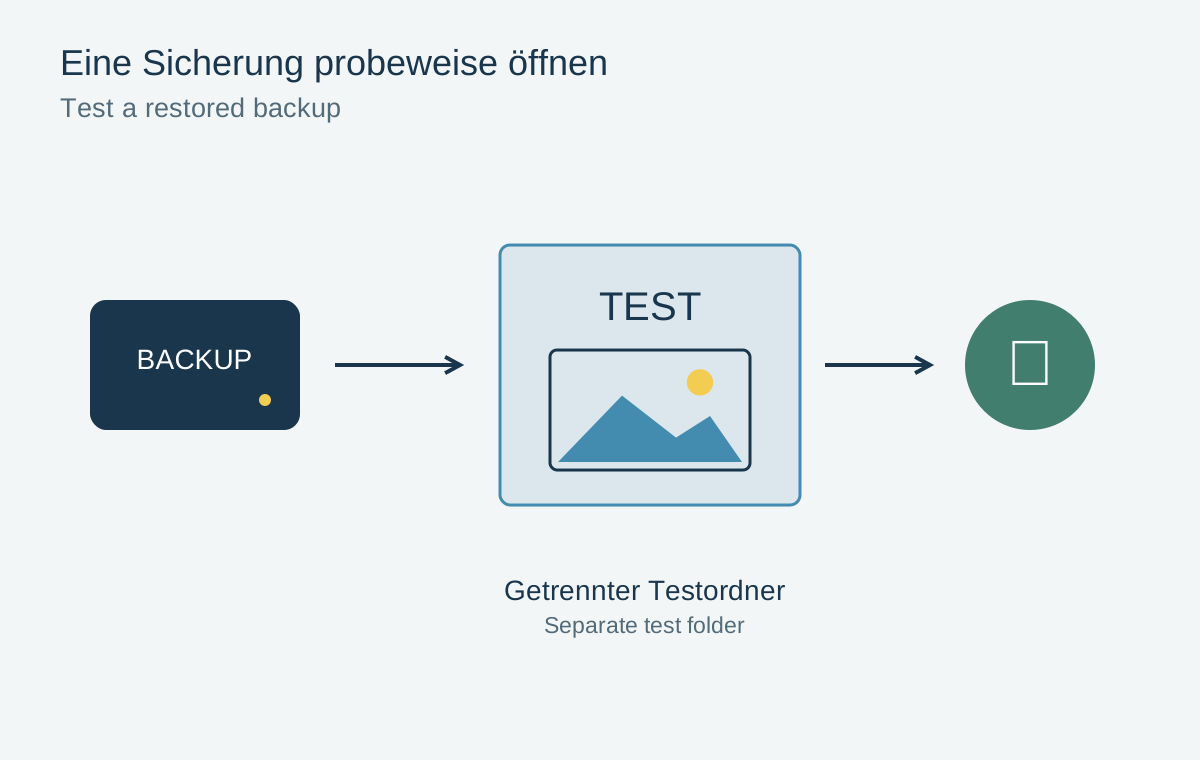
A restore test checks the route back to a usable photograph, not just a success message.

Organization & backup
Capacity alone does not determine whether an external drive fits a photo archive.

Organization & backup
An import check connects the memory card to verified originals and a second copy.
Organization & backup
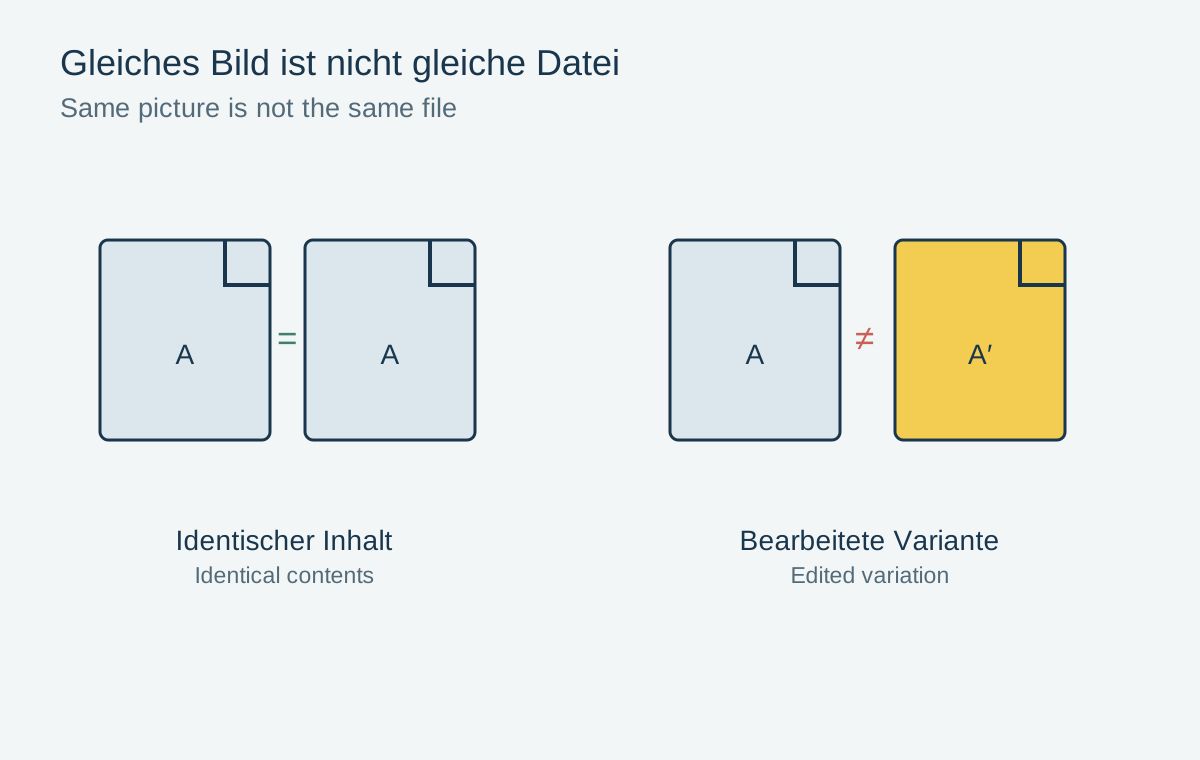
Similar-looking photographs are not automatically redundant files.
Organization & backup
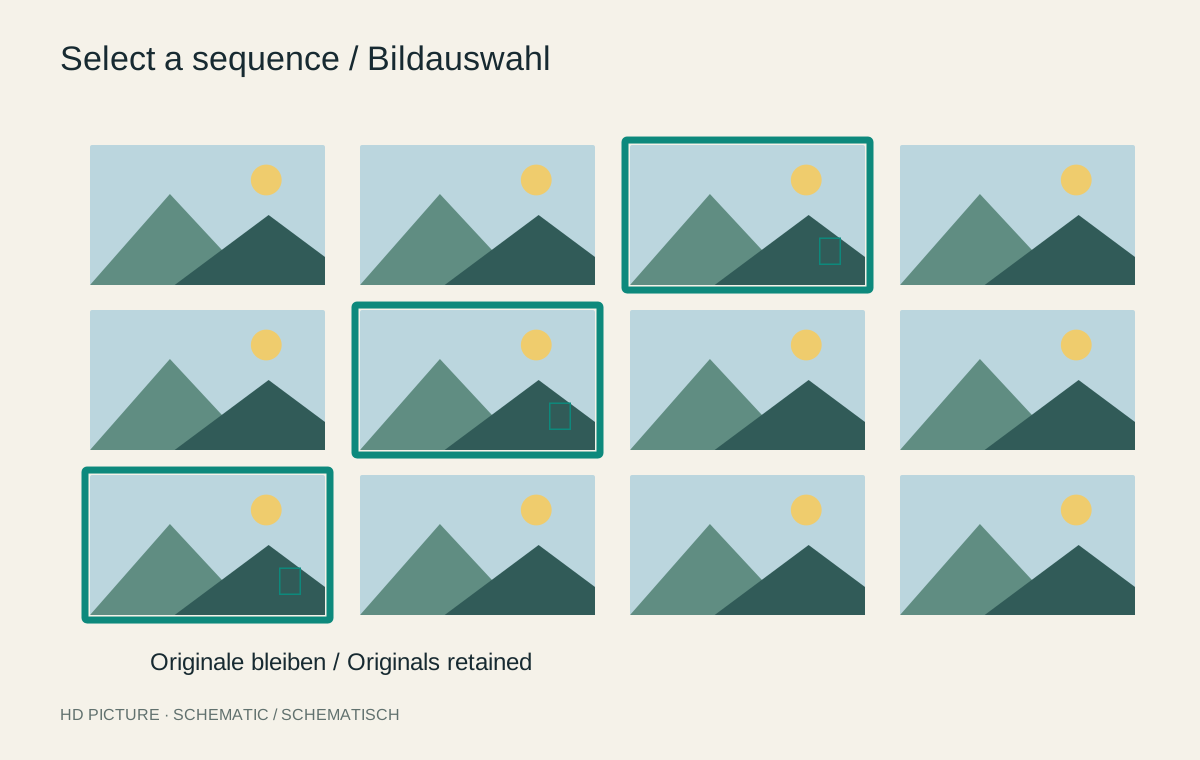
A selection can become smaller while the original photographic material remains intact.
Organization & backup
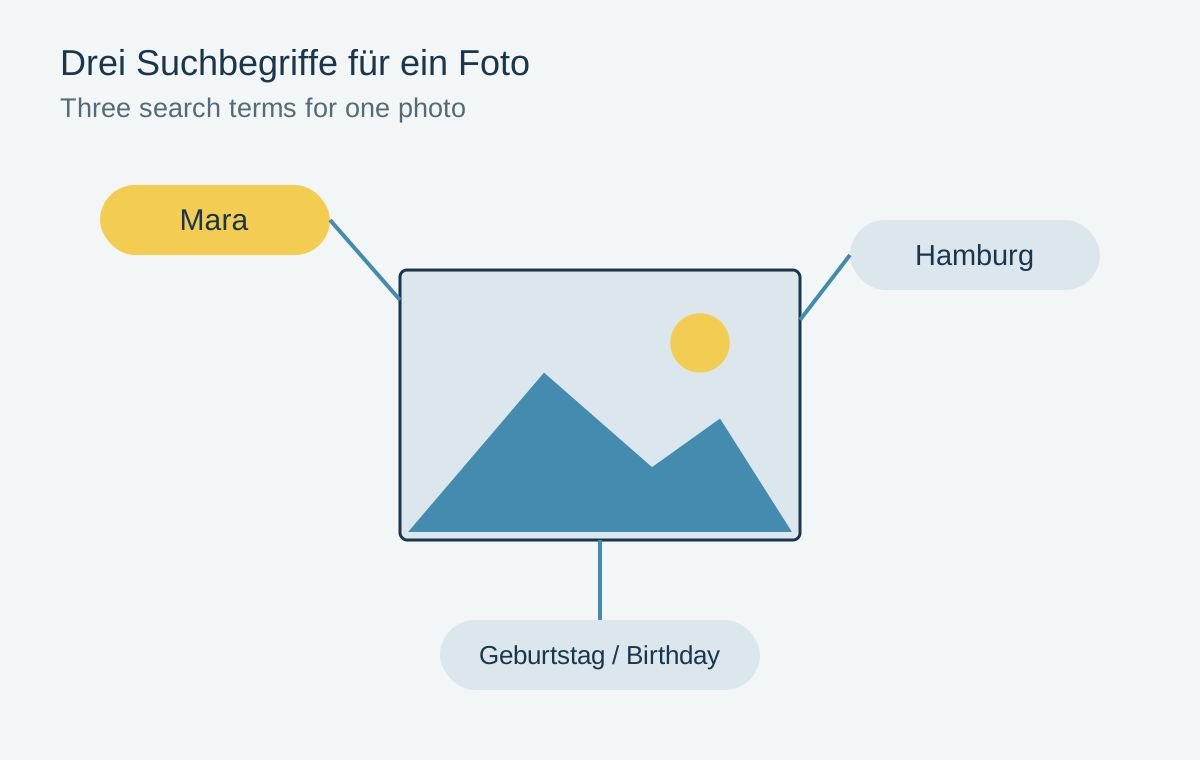
A few consistent terms help retrieval more than long, constantly changing keyword lists.
Organization & backup
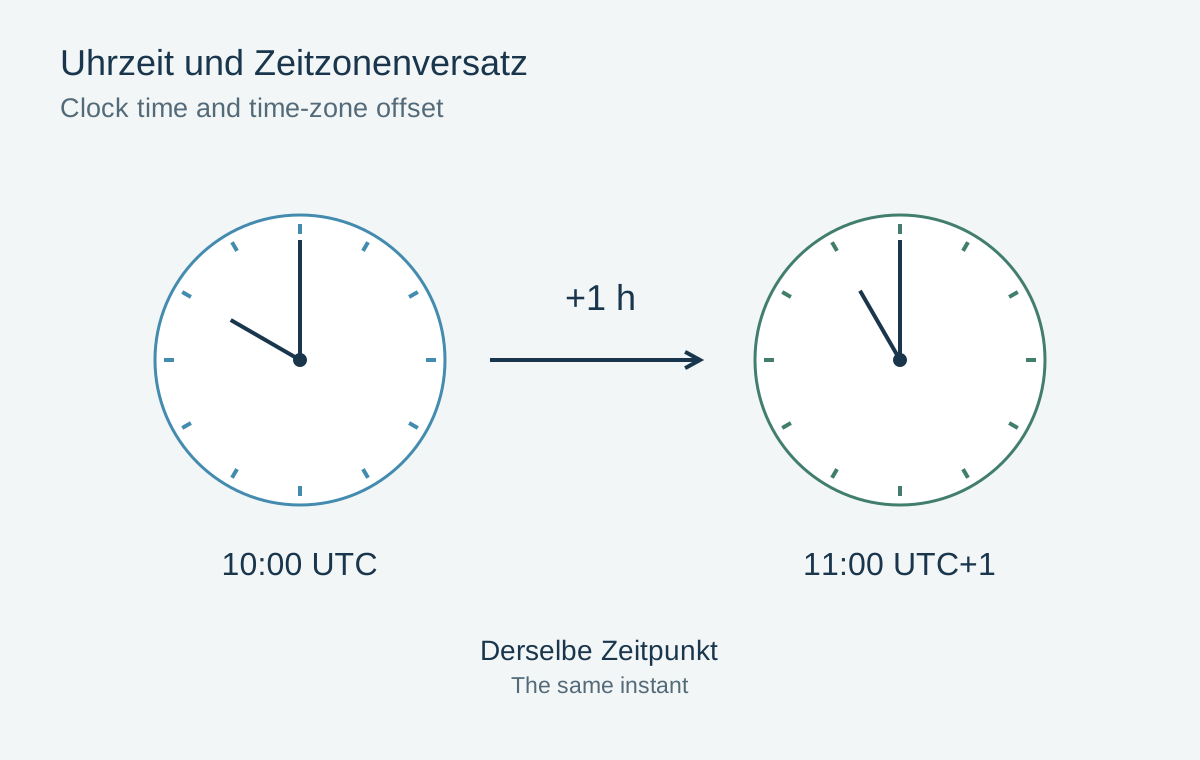
Capture time, file date and time zone answer different questions about a photograph.
Organization & backup
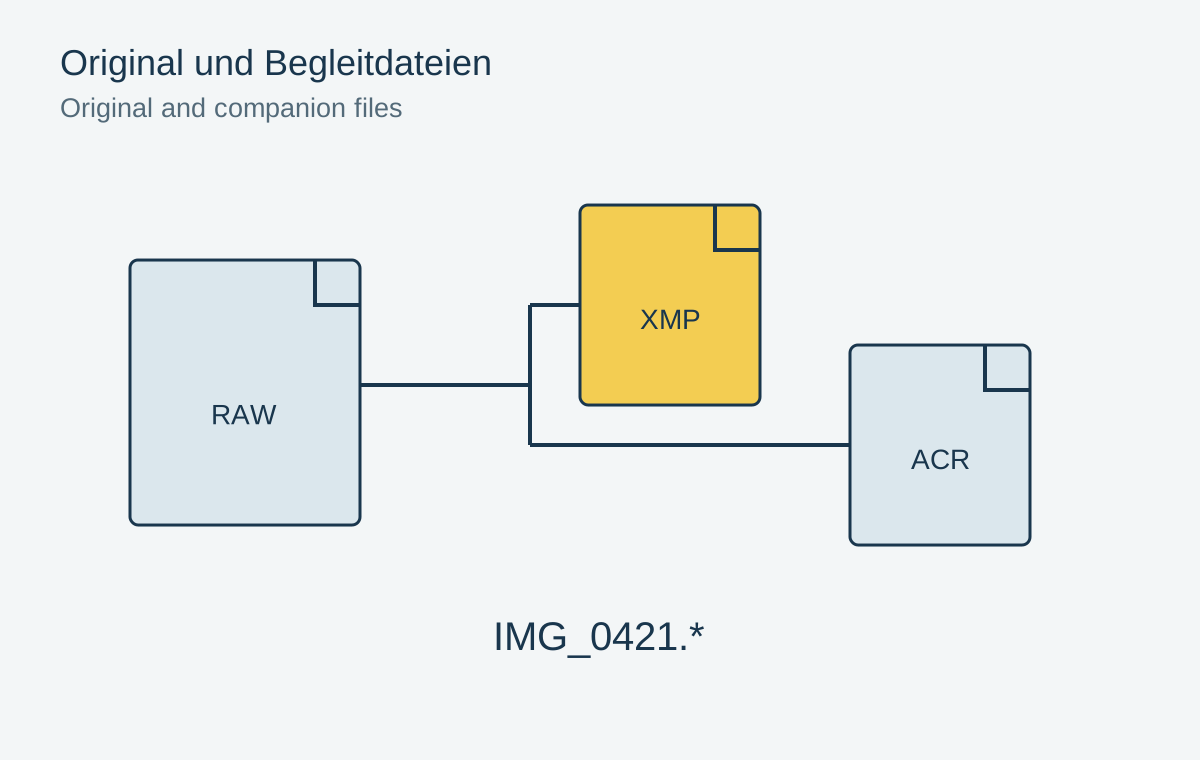
An edited RAW photograph often depends on more files than the visible original.
Organization & backup
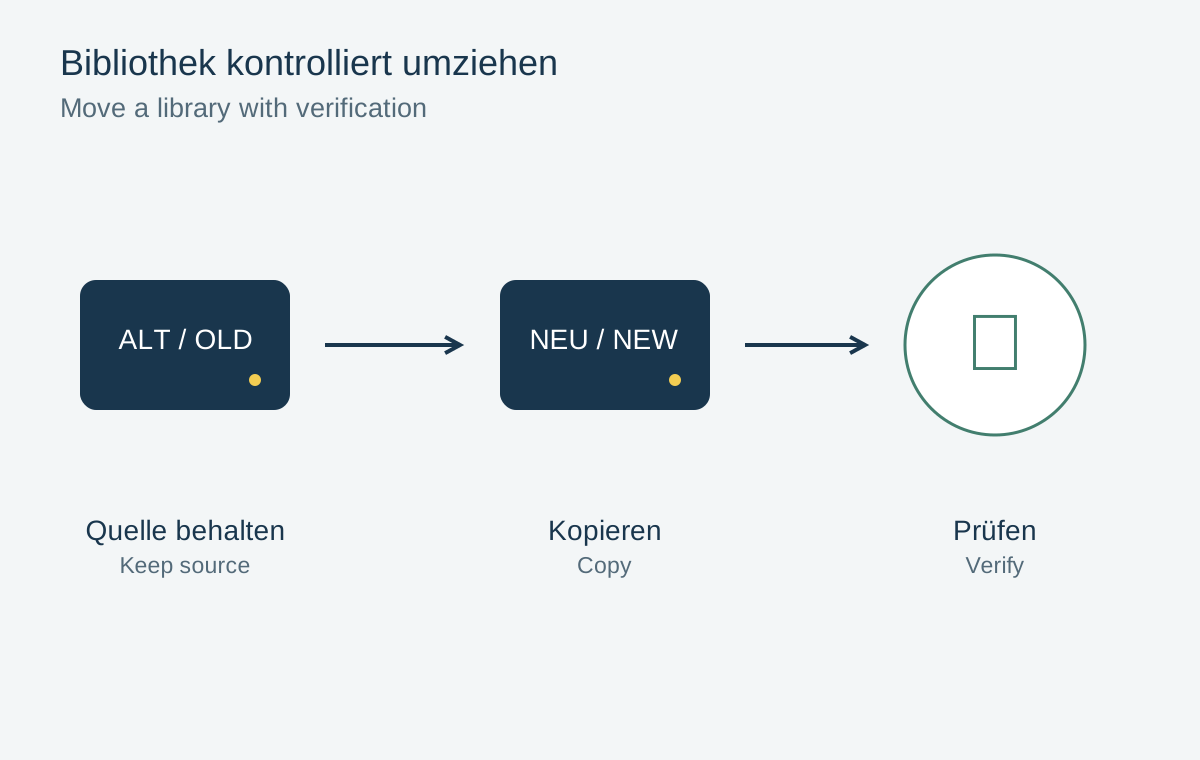
A library move is complete only after checking originals, edits and backups at the destination.
Organization & backup
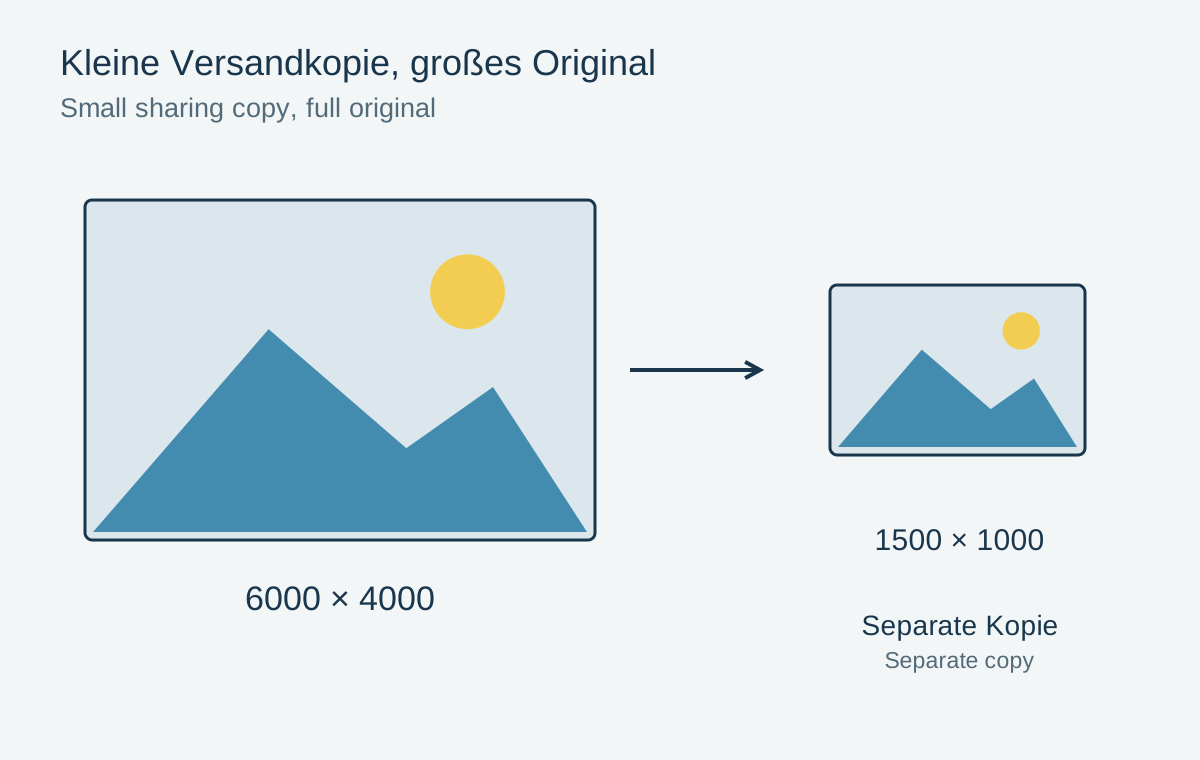
Give a sharing copy its own pixel dimensions and storage location.
Organization & backup
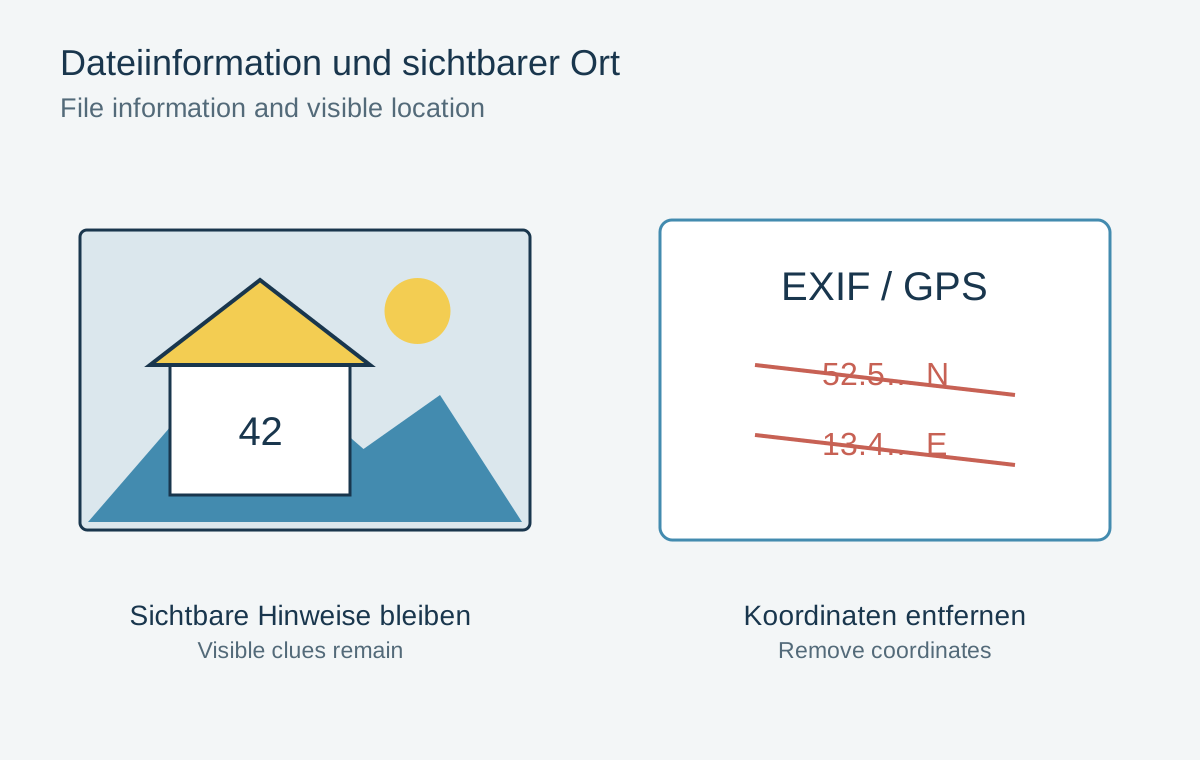
Inspect the actual shared file: hiding a map view alone does not remove location data.
Organization & backup
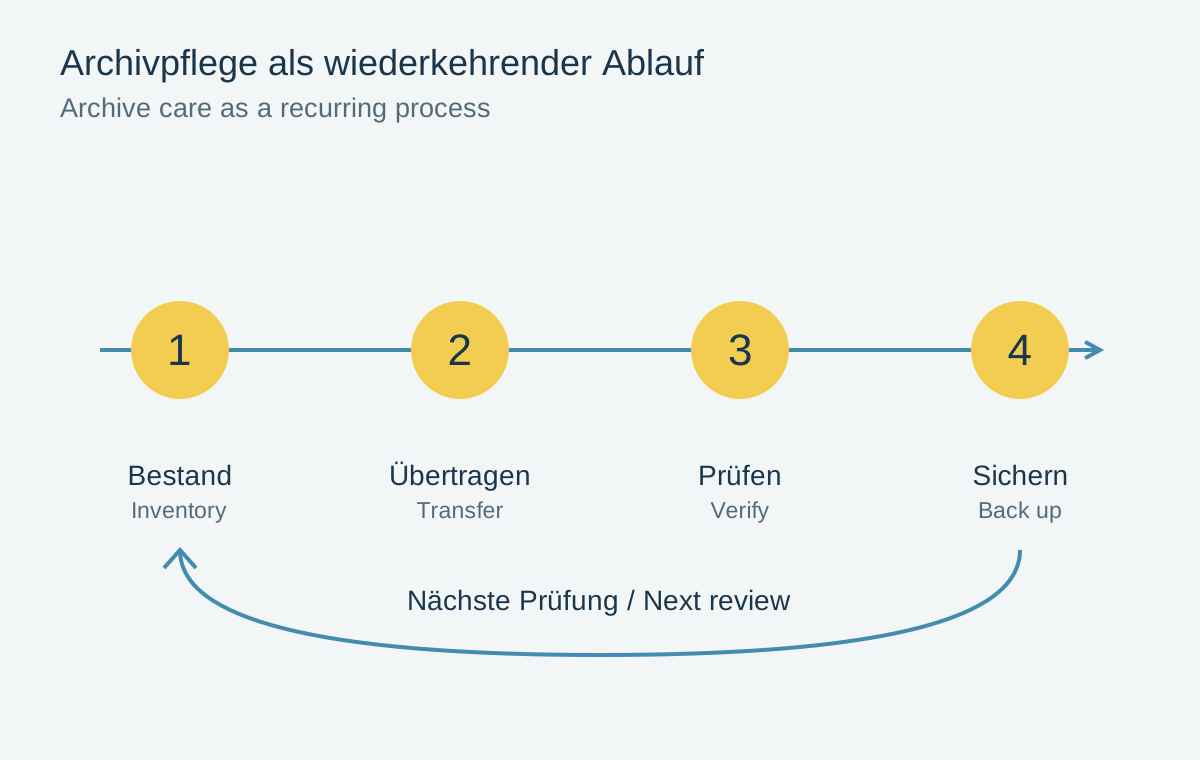
Long-term preservation needs repeated checks and traceable copying procedures.
.jpg)