Night mode can render a dark street surprisingly brightly. It may combine several frames collected over a longer capture period. The displayed duration therefore is not simply equivalent to one conventional shutter speed. This process often helps with a stationary building, but can produce different results for someone walking through the scene. Start by identifying which parts of the scene remain still and which move.
Support the phone throughout the capture
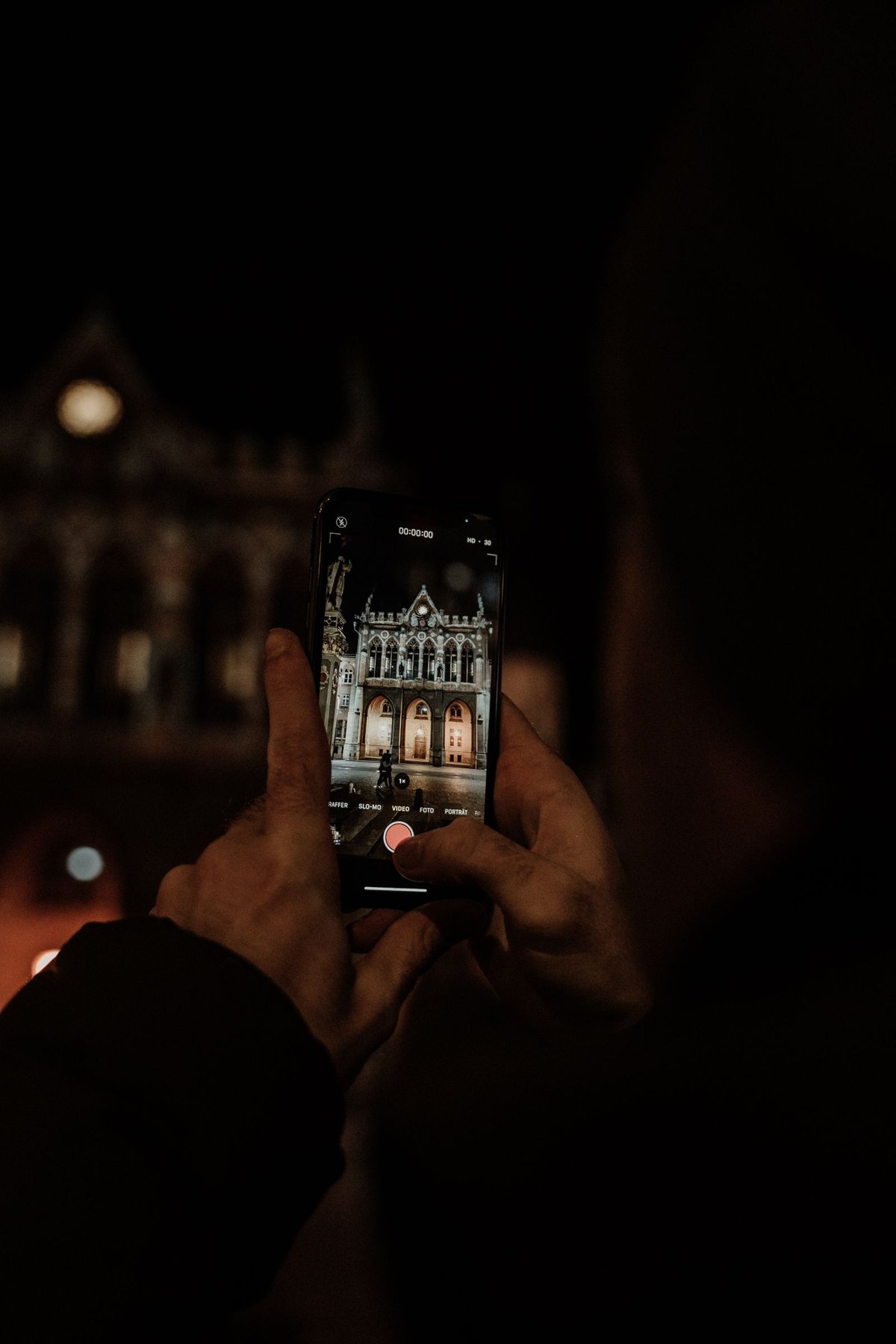
Support both hands or place the phone on a stable, secure surface. A suitable holder is more dependable than an improvised arrangement on the edge of a wall. Before releasing the shutter, check that the case does not intrude into the view and the lens is clean. Small smudges become especially noticeable around bright streetlights.
Maintain the position until the capture indicator finishes. Lowering the phone immediately after tapping can disturb an exposure sequence still in progress. Apple's Night mode and Google's Night Sight instructions emphasize keeping the camera steady; available controls vary by device.
Do not automatically choose the longest possible duration. It may help a static scene, but also makes movement by a person, leaf or vehicle more likely during the sequence. Compare shorter and longer versions when the subject gives you time.
Inspect movement where it matters
Open the finished image and magnify more than the edge of a building. Inspect faces, hands and passing vehicles too. A sharp building beside a smeared person suggests subject movement, not necessarily a poor lens. A tripod cannot remove that distinction.
A more brightly lit position may be the better solution for a person. Ask them to remain still briefly without forcing an unnatural pose. If a spontaneous movement matters, ordinary photo mode with more visible noise may nevertheless produce the more useful picture.
Look for repeated outlines or unusually smoothed details. Such areas deserve comparison with a second capture. Keep the scene at a brightness that suits the intended impression; night does not have to look like day. Bright shop windows and illuminated signs can otherwise lose their detail even while the street becomes clearly visible.
Inspect the finished output
Wait until the phone finishes processing. An early preview may differ from the saved result. Compare the alternatives at the same display size and similar screen brightness. A very bright display makes a dark picture easier to inspect, but can distort your impression of how it will appear elsewhere.
Finally, consider the intended use. A small message image needs a different level of detail from a large print. If you use night mode regularly, keep a few comparison pairs with notes about support, subject movement and capture duration. These reveal the limits of your particular device without turning one successful photograph into a universal rule.