A timer is useful for more than joining a group photograph yourself. On a small tripod, it can prevent the shutter tap from shaking the phone during capture. The delay only solves that particular problem, however. An unstable table, unsuitable framing or a moving subject remains a problem after the countdown.
Check the setup first
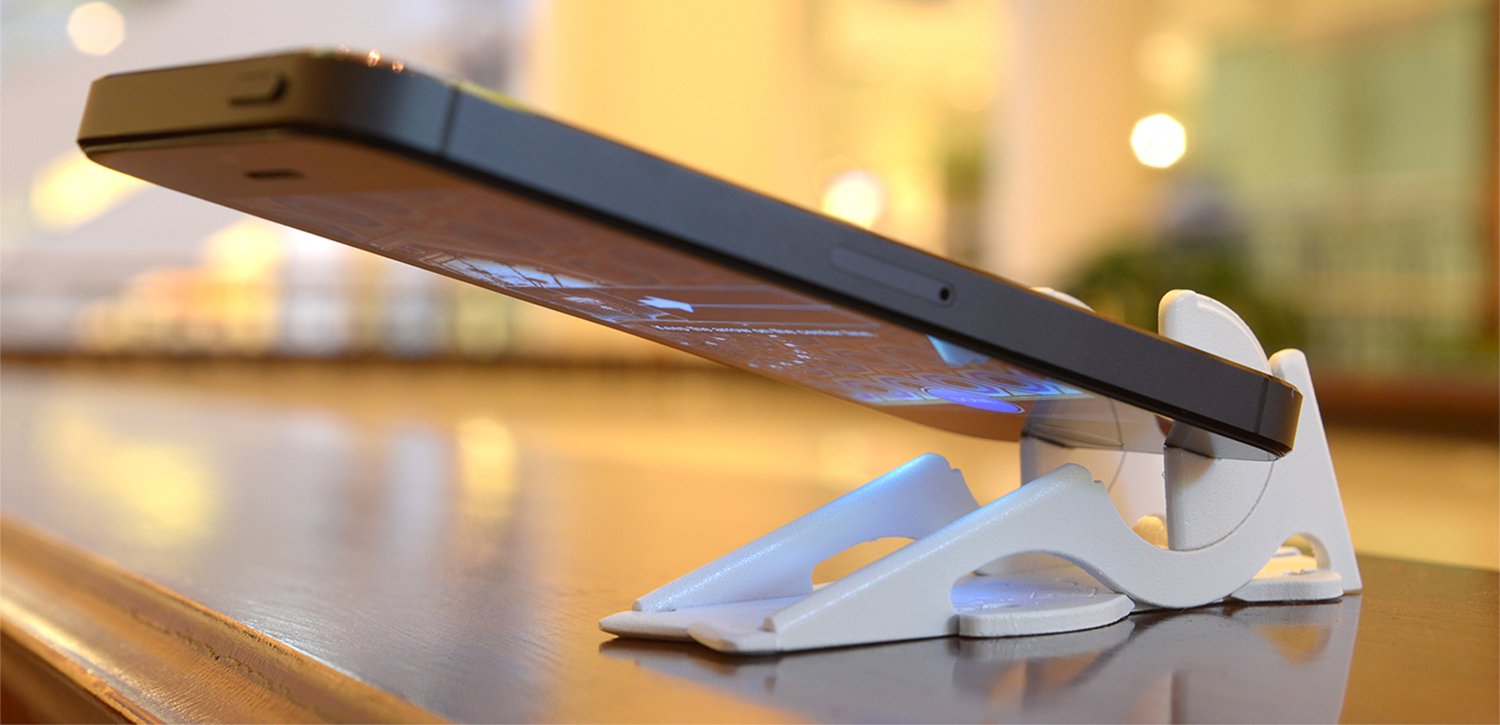
Place the phone on a firm, level support. An improvised holder should not tip or slide sideways. Check that its case does not prevent a secure tripod fit and that a clamp is not pressing a button. On railings, narrow walls or other places where the phone could fall, choose another location.
Frame the scene before enabling the timer. For a group picture, check heads near the edges and leave enough room for yourself. A stand-in at your intended position helps assess focus and size. If nobody is available, mark the position discreetly and make a test photograph.
Choose a delay and inspect the result
For a stationary subject, a short delay is often enough for vibrations from the tap to settle. If you want to enter the picture, allow time to walk over and adopt a relaxed position. Available delays and access to the timer vary with the app and software version. Practise once instead of searching for the control in front of a waiting group.
Explain roughly when the picture will be taken. Ask everyone to stay still slightly longer, since Night mode or a sequence may extend the capture period. Avoid bumping the tripod or table as you walk back. A countdown is not a reason to change your pose frantically at the last moment.
Enlarge faces and important details. If the background is sharp but a person is blurred, the timer may have done its job; the person moved during exposure. Find more light or ask for a quieter moment. If the whole image has doubled edges, inspect the support first.
Turn the timer off afterwards if you intend to take spontaneous photographs. An unexpected delay could otherwise cost you the moment you wanted to capture.