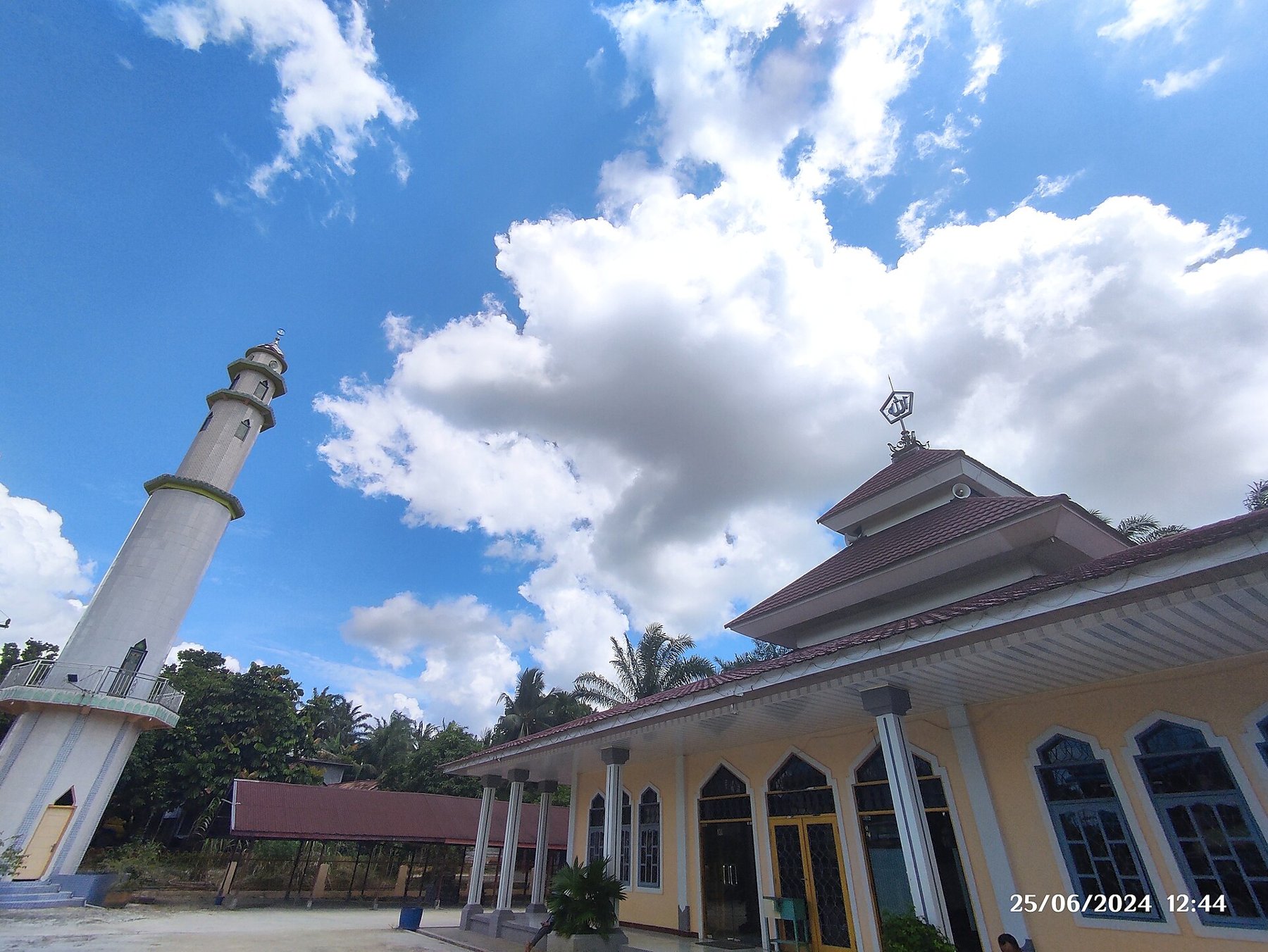
An ultra-wide camera can fit a cramped room or a tall façade into the frame. Nearby objects may also look strikingly large compared with the background. That size relationship comes from your viewpoint: standing close to a table places its front edge much nearer the camera than the far wall. The wider field of view makes such differences especially noticeable.
Keep people away from the corners
For a group photograph, keep the most important faces near the middle of the frame. Bodies at the outer edges can look stretched, especially when they are close to the camera. Rather than only asking everyone to squeeze together, step back where possible and compare the main camera. With enough distance, it may provide a more pleasing result.
An individual face photographed at arm’s length with an ultra-wide camera rarely looks neutral. The nose, forehead or a hand can become exaggerated. This can serve a deliberately playful picture, but usually not a straightforward portrait. Do not mistake this viewpoint effect for something that lens correction should completely fix.
Choose the foreground deliberately
A stone, a step or a flowerbed can lead the eye into a scene. Check whether that object genuinely belongs to the picture, though. An accidental rubbish bin near the bottom can become the main subject simply because it is close. Move the phone a few centimetres upward or sideways and watch the difference.
For architecture, keep the device level when vertical building edges should remain parallel. Pointing upward creates converging lines. Leave extra room if you intend to correct perspective later. That correction consumes image area and may stretch the upper parts considerably.
Check light and detail
Different camera modules on a phone do not necessarily have the same aperture, sensor area or close-focusing ability. In dim light, compare an ultra-wide image with one from the main camera instead of judging only the preview. Open both files and inspect fine textures and moving people.
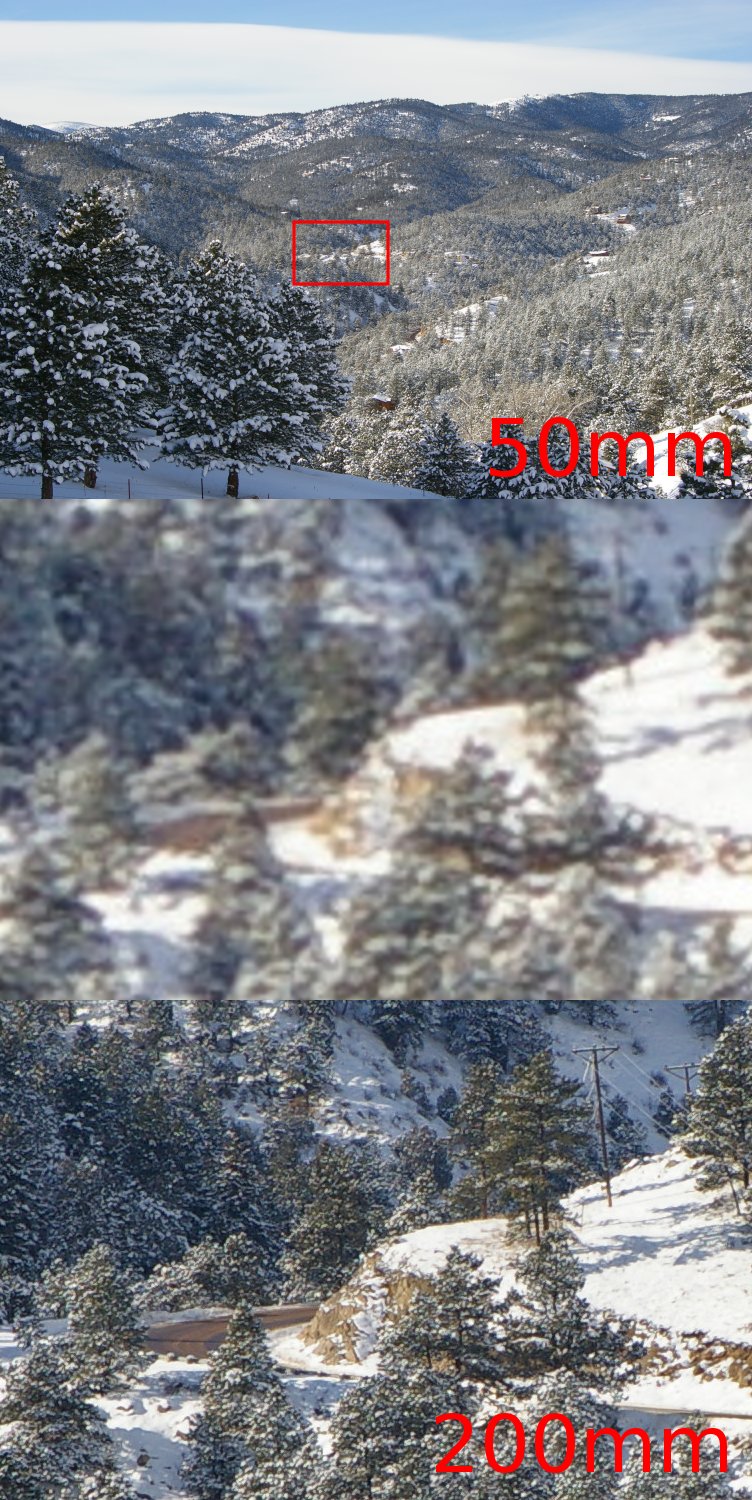
Avoid an intermediate digital zoom when assessing a particular module. Depending on the model and conditions, the app may switch cameras or crop an image. Clean the small lens as well: a fingerprint can spread bright lights into a haze and make the entire photograph look soft.

.jpg)
