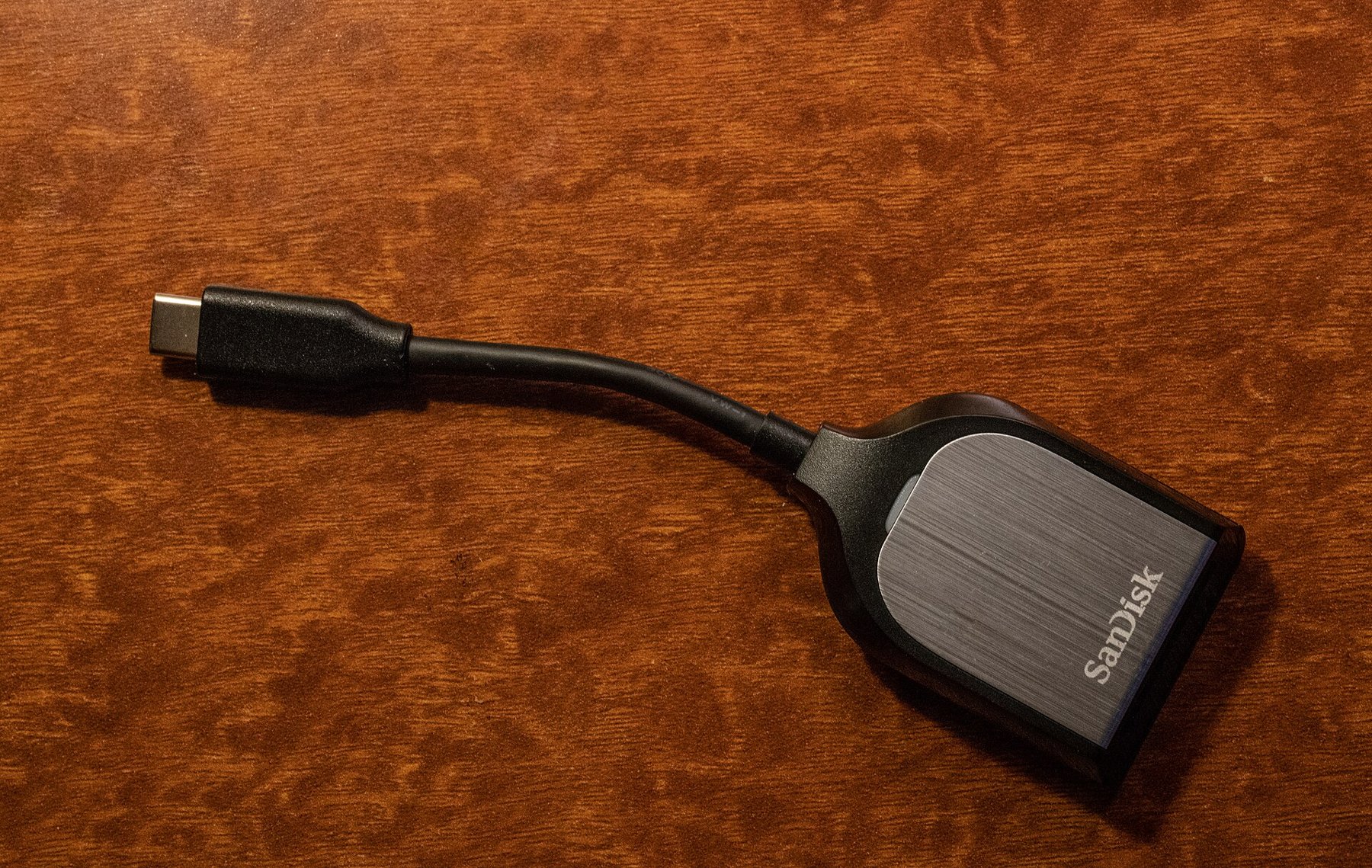
After a shoot, the memory card is often initially the only place holding every original. Import should therefore not be considered complete merely because a few previews appear. A short, repeatable check establishes whether the intended shoot arrived in full at the correct location and whether the card can yet be reused.
Establish the scope before copying
Check which folders and file types are present on the card. Some cameras start another folder after a particular image count. Videos and additional files may sit alongside photographs. Selecting only the first visible JPEGs can miss RAW files or a later part of the shoot.
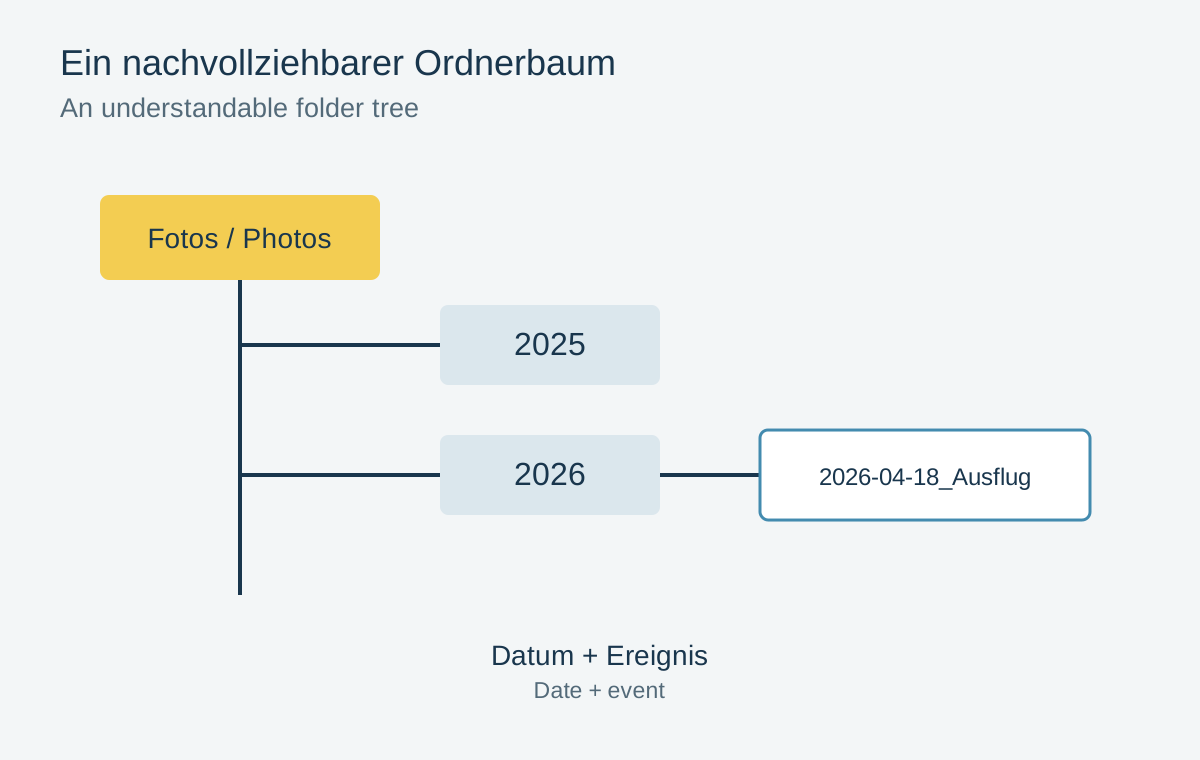
Choose an unambiguous destination and inspect the path actually shown. A similarly named folder on a different drive can cause confusion later. Ensure sufficient free space and a stable connection to the card reader throughout copying.
If the application offers filters for dates or previously imported images, inspect the active filter. An empty selection can mean that images are hidden; it does not prove that the card is empty.
Compare like with like when counting files
Compare transferred file counts with the selected source. With RAW-plus-JPEG shooting, two files can represent one capture while the photo manager displays a combined preview. A difference between file count and visible image count is therefore a finding to explain, rather than immediate proof of missing pictures.
Duplicate detection may skip captures already known to the application. Lightroom Classic considers the original filename, EXIF capture time and file size among its criteria. This is an import aid, not a general proof that two visually similar photographs have identical content.
If the copy tool offers verification, use it to compare source and destination. A hash comparison of unmodified files checks their bytes more precisely than names and sizes alone. A later automatic metadata change can produce a different hash even when the image remains readable.
Actually open the originals
Open images from the beginning, middle and end of the shoot. Inspect at least some at full resolution. An embedded preview may display even when the complete RAW content cannot be processed as expected. With a new camera, also confirm that the software supports its particular RAW format.
A damaged image is a reason to investigate, not immediately format the card. Leave the source unchanged and first try reading again through a stable connection. Repeated failures can involve the card, reader, cable or destination storage.
Release the card after backup
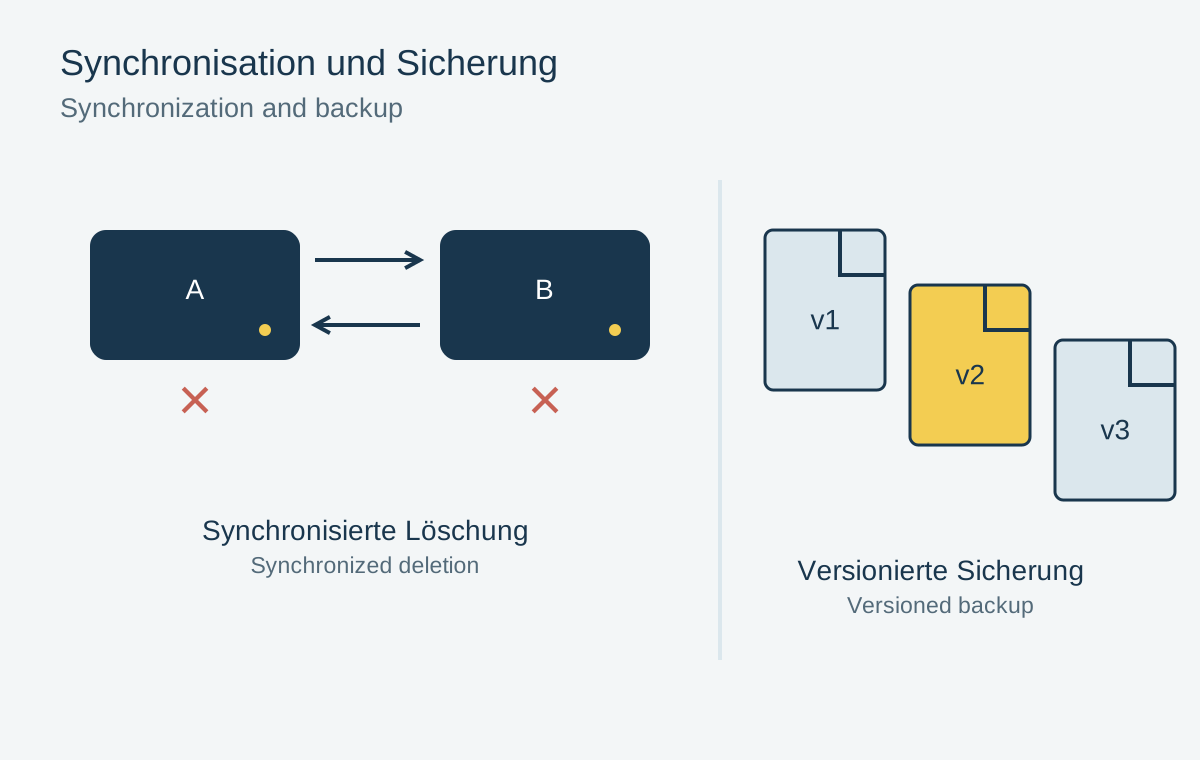
Create a second independent copy of the imported originals and confirm that it includes the new shoot folder. You can then reuse the card according to your normal camera workflow. Clearly distinguish cards that have not yet been backed up so they are not accidentally returned to active shooting.
A brief status note is enough: source copied, sample opened, second copy checked. These few steps are easier to perform consistently than a lengthy checklist that gets skipped in everyday use.
More than JPEGs on the same card
A capture session may contain RAW files, short videos or additional companions alongside JPEGs. Inspect the card’s folders by file type before declaring an import complete. A photo-only import dialog may hide videos even though they belong to the same outing. The number of visible thumbnails is then not a complete inventory.
With RAW-plus-JPEG capture, two files may appear in the application as one combined photograph. Do not blindly compare the number of catalog entries with the number of all files. First decide whether the workflow should retain both versions, then inspect the files actually stored. A similarly named JPEG does not replace its RAW partner.
If an import was interrupted, note the affected period or folder. Importing again may recognize existing pictures, but does not necessarily handle every unusual folder arrangement correctly. Check the beginning and end of the sequence and several files around the interruption. After an error message, preserve the card unchanged until a traceable copy and an independent backup exist.
Before using a card again, make clear whether it still contains unchecked material. A simple “not yet backed up” label prevents accidental overwriting more reliably than remembering when it last sat in the camera. Return it to ordinary capture use only after verification.
.jpg)