The backup application reports a successful run. That does not yet prove that you can open the right photographs later. A new folder may have been excluded, the editing catalog may be missing, or the saved file may be only a reduced export. A restore test reveals these differences while the original files are still available.
Prepare a small, mixed sample
Do not select only the newest JPEG. A useful sample includes an older original, a recent capture, a RAW file with edits and an important completed project. Include an image from a newly created folder too. New storage locations can fall outside a backup configured earlier.
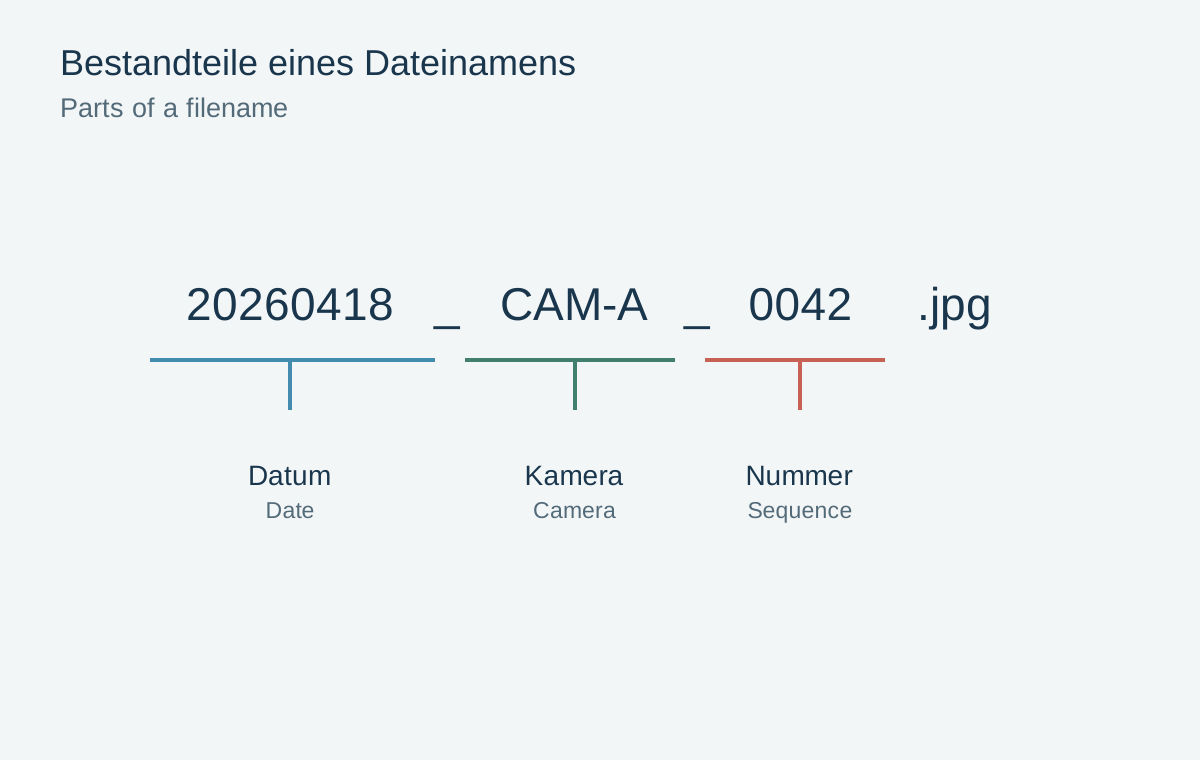
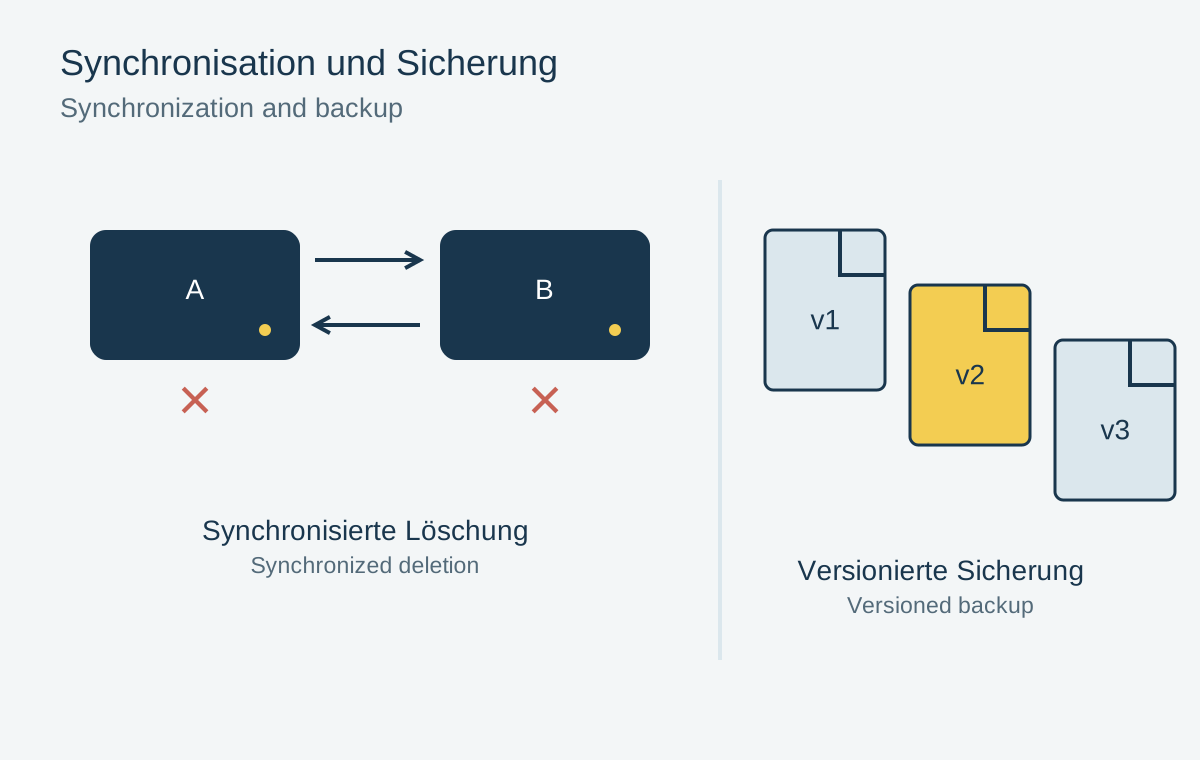
Record the expected filenames, pixel dimensions and any associated companion files. If the backup retains versions, deliberately choose an earlier state. The question is not merely whether some file comes back, but whether the particular state you need is available.
A sample does not replace a complete integrity check of the archive. It does show whether the practical recovery process works and which information would be missing during a real restoration.
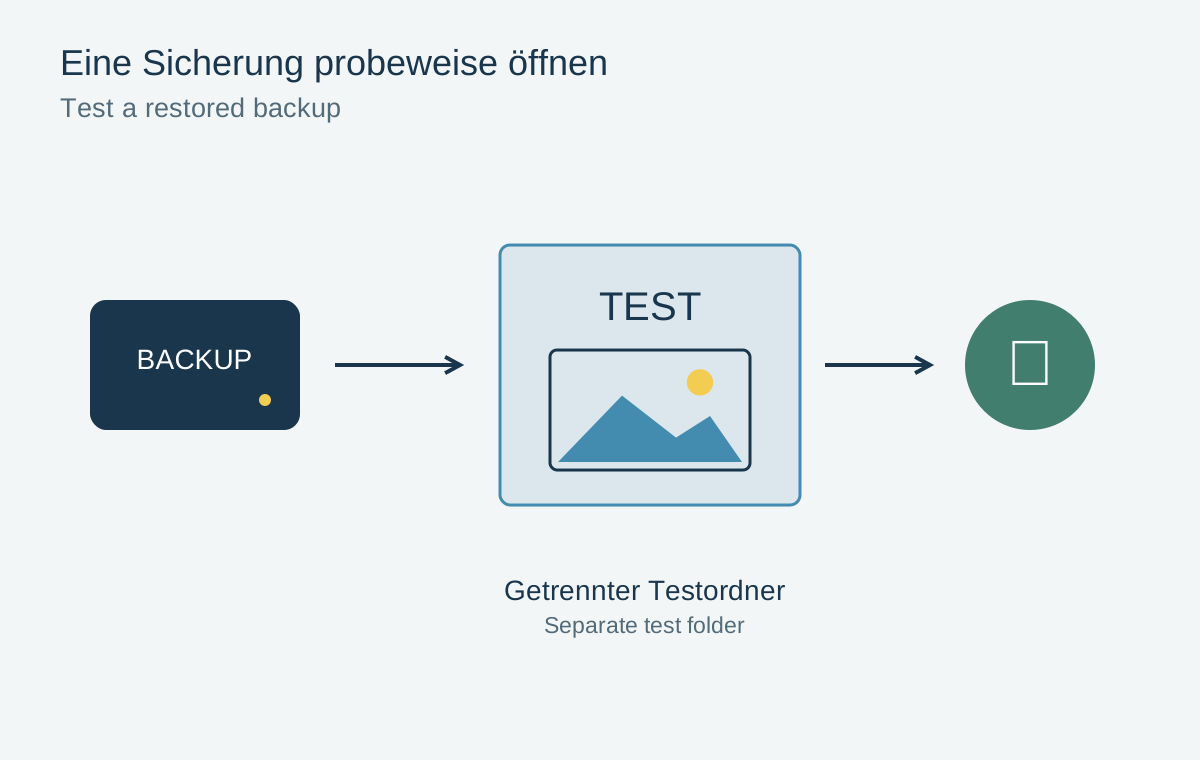
Restore into a separate folder
Use a new test folder outside the active photo library. This prevents the trial from overwriting a current file or accidentally introducing older edits into a working project. Check whether the restore tool selects the original location by default.
Next, establish where the restored files actually reside. Some tools reconstruct the entire old path inside the chosen destination. An apparently empty top-level folder may therefore contain several nested levels. Record this behavior in a short recovery note.
For a cloud backup, downloading is part of the test. Seeing a preview in the browser is insufficient. Open the downloaded file in a suitable application, preferably also when a network connection is no longer available.
Check content, completeness and edits
Compare file counts and sizes with your notes first. Then open the photographs and inspect details at full resolution. A small preview can look intact even when it is not the original file you expected.
For files copied without modification, a cryptographic hash adds a comparison of the bytes. Matching values for the source and restored copy indicate that the file transferred unchanged. A different value does not automatically prove image damage: metadata changes also alter a whole-file hash. The comparison must concern the same expected version of the file.
For an edited RAW photograph, also check that the application can recover the cropped and corrected state. The RAW file alone does not necessarily contain all the information held in a catalog. A successful image test and a successful catalog test therefore answer different questions.
Record the result briefly
Record the date, backup used, selected files and any discrepancies. Add the approximate duration and unexpected steps. A process that depends on several unknown passwords or unavailable software needs better preparation.
Repeat the test after changing backup software, computers or storage locations. During a later real failure, the note helps you follow a route that has already been checked. Do not delete the working copy to simulate a failure; a separate test folder provides the necessary evidence without creating that additional loss.