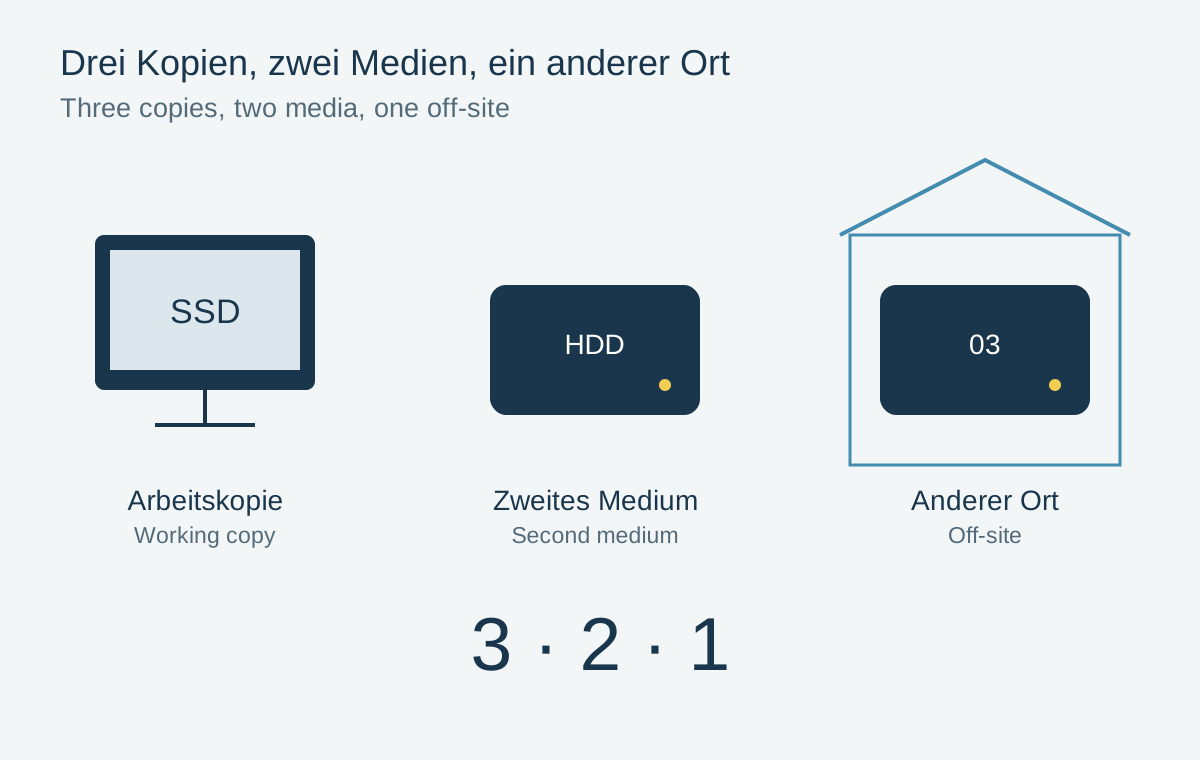
The 3-2-1 rule is a starting point for protecting important files: three copies in total, on two different types of storage, with one copy elsewhere. The working file already counts as one copy. For a photo archive, the rule means more than seeing the same folder name three times. The copies must actually exist and be recoverable.
An example with clear roles
Working photographs live on the computer. An external drive receives a regular versioned backup. Another backup lives with a suitable cloud provider or on storage at a different location. These are three roles: working, recovering locally and surviving a loss at the original location.
The appropriate storage types depend on data volume, connectivity and available hardware. Two partitions on the same drive are not independent physical media. A drive failure affects both. Likewise, a second drive sitting beside the first offers limited protection against a shared incident involving water or theft.
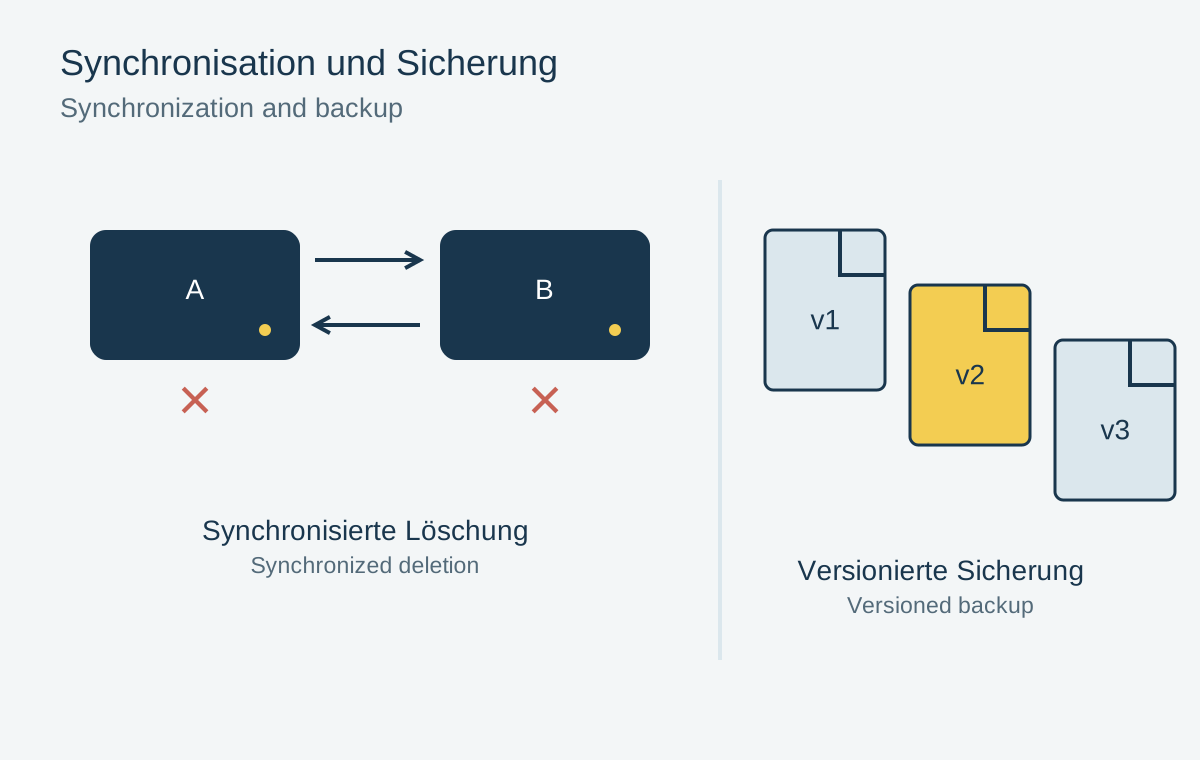
The rule is not a guarantee and does not replace checking each backup. An unreadable copy or an inaccessible account does not help after a loss. Network storage also needs an additional backup; several drives inside one device can improve availability but do not replace an older version that can be restored independently.
Protect more than the visible JPEGs
The archive may include RAW files, companion files, editing catalogs and final outputs from important projects. A catalog can contain ratings and editing instructions without including the original photographs themselves. Check separately that both the images and the information used to edit them are covered.
Also record how to begin a restore. If the instructions exist only on the failed computer, they will be missing at precisely the wrong moment. Access information needs secure storage; a publicly readable text file beside the photographs is not an appropriate place for credentials.
Choose a schedule based on what could be lost
After an important shoot, make a new backup before reusing the memory card. A monthly schedule can leave an entire month of photographs exposed to loss. The appropriate rhythm follows the amount of new work rather than a universal calendar rule.
Occasionally check that newly created folders are included. A well-configured arrangement can develop gaps when photographs move to another drive. Restore a sample from different periods and check not only that it opens but also its pixel dimensions and associated editing data.